Cryptnox SA
EAN: 7649992538158
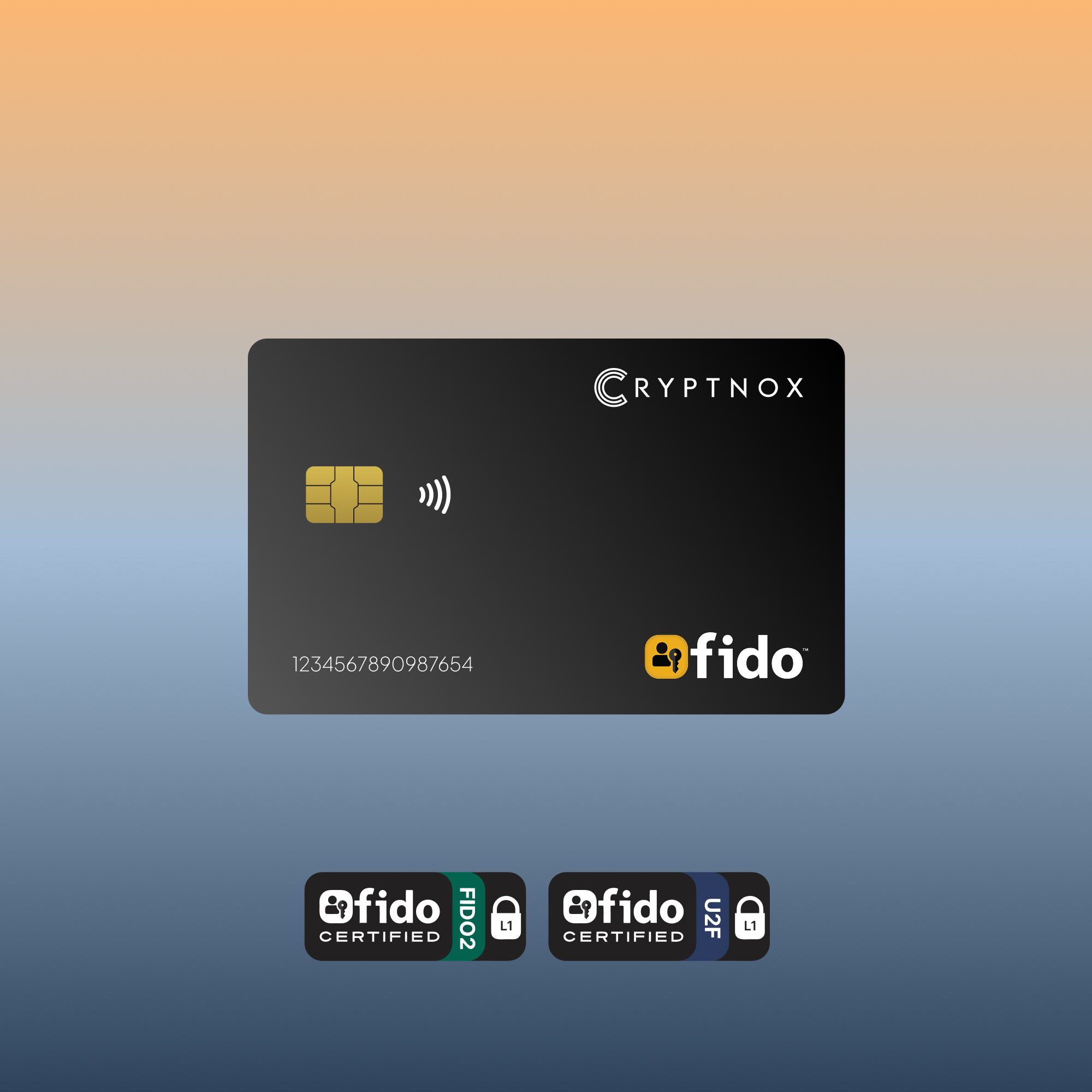
The Cryptnox FIDO2 card is the entry-level NFC smart card in our FIDO2 lineup — a single-application FIDO2 security card, FIDO Alliance Certified (FIDO2 v2.1 + CTAP Level 1) for 2FA / MFA on Google, Microsoft, Apple, GitHub, login.gov, AGOV, SwissID, and any FIDO2/WebAuthn service. Supports passwordless sign-in where services enable it. NFC + contact (ISO 7816) dual interface. No battery, no charging, no Cryptnox-specific software for daily use on Windows, iOS, Android U2F flows, or supported macOS/browser combinations. Linux FIDO2 sign-in requires the open-source Cryptnox FIDO2 HID bridge. Which online services accept this card, and on which operating systems, is documented in FIDO2 Card Compatibility — Services and Platforms.
CHF 27.54
Tax included. Shipping calculated at checkout.
The Cryptnox FIDO2 card is the entry-level NFC smart card in our FIDO2 lineup — a single-application FIDO2 security card with Cryptnox branding, designed for individuals and small teams who want a phishing-resistant hardware authenticator in a wallet-friendly form factor. FIDO Alliance Certified (FIDO2 v2.1 and CTAP Level 1), the card is primarily used as a hardware 2FA / MFA second factor on every major FIDO2 / WebAuthn service, with passwordless sign-in supported on the smaller set of services that have explicitly enabled FIDO2-only login (Microsoft Entra ID, Google Workspace, login.gov, AGOV, SwissID, and others).
The Cryptnox FIDO2 card supports both NFC and contact (ISO 7816) interfaces, so you can use it however your workflow demands:
For Windows desktop users who sign in with FIDO2 via the contact interface, the Cryptnox dual-slot contact Smartcard Reader features a dedicated “tap” button that electronically simulates card extraction and reinsertion. When a FIDO2 service prompts you to “tap your security key,” press the button — no need to physically pull the card out and push it back in. (Tap button feature is Windows-only.) See our click-to-tap tutorial for the full FIDO2 sign-in workflow.
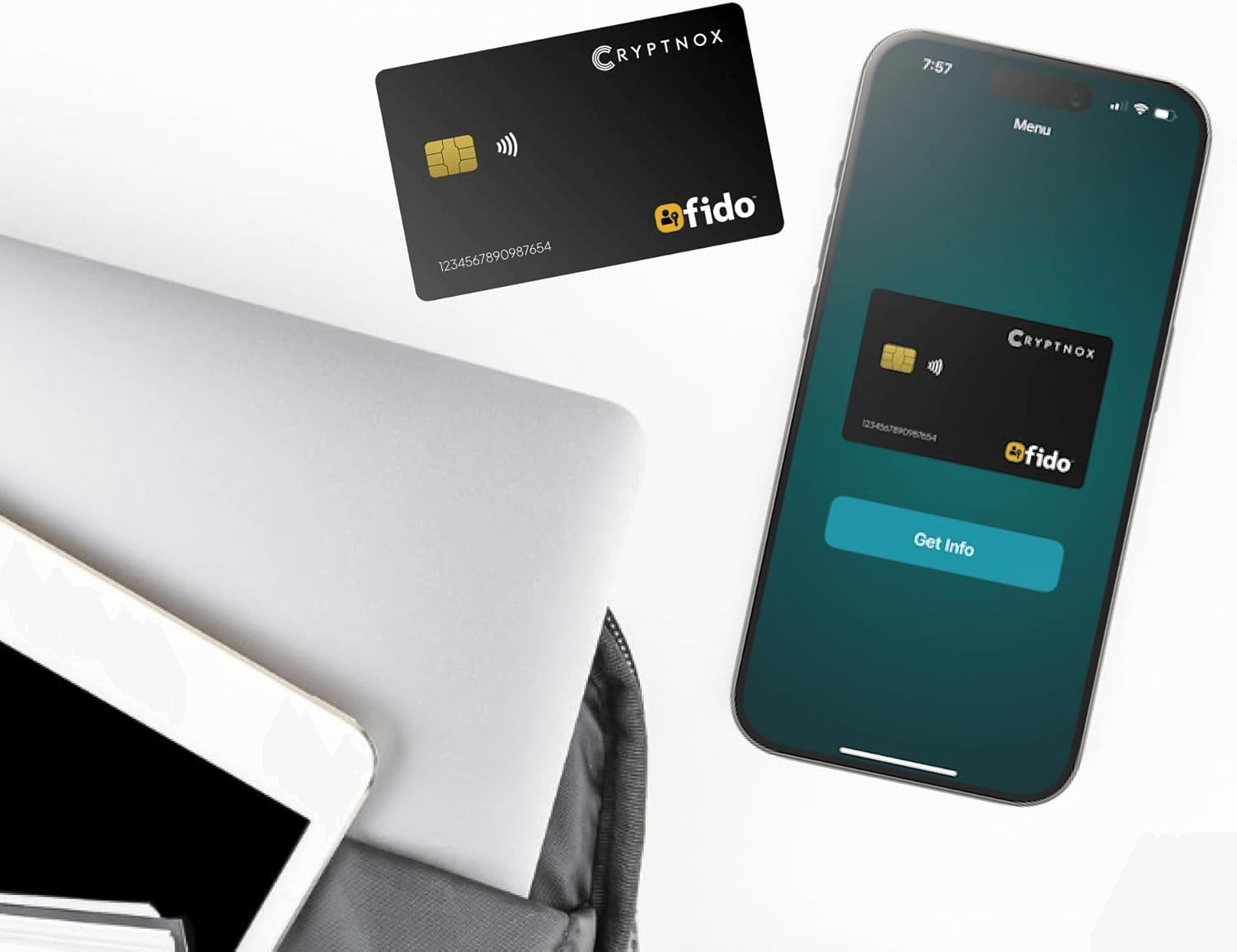
A FIDO2 card delivers the same cryptographic security as a USB security key — phishing-resistant, hardware-backed, with private keys that never leave the chip’s secure element — in a credit-card form factor that fits in any wallet cardholder. No keychain dongle hanging off your laptop, no USB port hassle, no charging required.
FIDO2 is the modern open authentication standard (WebAuthn + CTAP2) that delivers phishing-resistant strong authentication. Most services use FIDO2 cards as a hardware second factor — sign in with your password as usual, then tap the card to confirm. A growing set of services (Microsoft Entra ID, Google Workspace, login.gov, AGOV) also support FIDO2-based passwordless / passkey-style sign-in, where the card replaces the password entirely. Backed by the FIDO Alliance — a consortium including Google, Microsoft, Apple, Amazon, and major banks — FIDO2 is the foundation of modern hardware-backed authentication on the web.
New to FIDO2 cards? See our FIDO2 Smart Card guide on cryptnox.com for background, certifications context, and platform compatibility.
The Cryptnox FIDO2 card works as a hardware second factor on any service that supports the FIDO2 / WebAuthn / U2F standards — which is now nearly every major online platform. Passwordless sign-in is supported on the subset of services that have explicitly enabled FIDO2-only login flows.
Software passkeys are convenient and may sync through cloud ecosystems (iCloud Keychain, Google Password Manager). A hardware FIDO2 card keeps credentials hardware-bound inside the card’s tamper-resistant secure element — not cloud-synced, not remotely exportable, not clonable by a phished attacker. For PIN-protected FIDO2 / passwordless flows, an attacker would need both physical possession of the card and the PIN; for second-factor flows, they would typically also need the account password.
This branded version is the entry-level option for individuals or pilot deployments. If you need to print employee photos or company logos on the cards, see the FIDO2 White PVC variant instead.
For setup walkthroughs, integration guides, and service-specific tutorials (Google, Microsoft, Apple, GitHub, Bank of America, login.gov, AGOV, SwissID), browse our FIDO2 tutorials hub.
EAN: 7649992538158
Chip platform certifications (NXP JCOP 4.5 on P71D600):
Applet certification:
Supported elliptic curve (FIDO2 applet):
A FIDO2 security key is a hardware authenticator that replaces or supplements passwords using public-key cryptography. Instead of typing a password that can be phished or stolen in a data breach, you tap or insert a physical device that proves your identity with a cryptographic signature — the private key never leaves the card’s secure element. This Cryptnox FIDO2 card is certified to the FIDO2 standard (WebAuthn + CTAP2) and also supports the older U2F protocol, so it works with every major service that accepts either, from Google and Microsoft to Bank of America, GitHub, login.gov, AGOV, and SwissID.
Same FIDO2 applet certification (FIDO Alliance Certified — FIDO2 v2.1 + CTAP Level 1), same web-authentication behavior, and same FIDO2 / WebAuthn service compatibility. The chip platform differs: FIDO2-only cards use NXP JCOP 4.5 on P71D600, while FIDO2 + MIFARE cards use JCOP 4 on P71D321 to support the DESFire EV2 applet. The difference is function:
If you only need web 2FA and passwordless sign-in, the basic card is simpler and more affordable. If you also want one credential to open your office door, go with the FIDO2 + MIFARE version.
Every major service follows the same flow:
Registration takes 10–30 seconds per account. You can register the same card with many services — it stores a separate cryptographic key pair for each one, so no two services can link your identities through the card.
OS and browser compatibility: iOS supports FIDO2 over NFC on iPhone 7 or later running iOS 13.3 or later. Android currently supports only CTAP1 / U2F (FIDO1) for external NFC keys — not FIDO2 / CTAP2. Most major services maintain CTAP1 backward compatibility, so the card works as a U2F second-factor authenticator on Android, but the feature set is reduced and CTAP1 implementations vary. macOS FIDO2-over-NFC support varies by version and browser. Linux browsers expect FIDO2 authenticators on a HID interface — use the Cryptnox FIDO2 HID bridge to present the card to the browser as an HID-FIDO device. Windows 10/11 has full FIDO2 support across all major browsers. Always test with your specific OS + browser + service before committing to a production deployment.
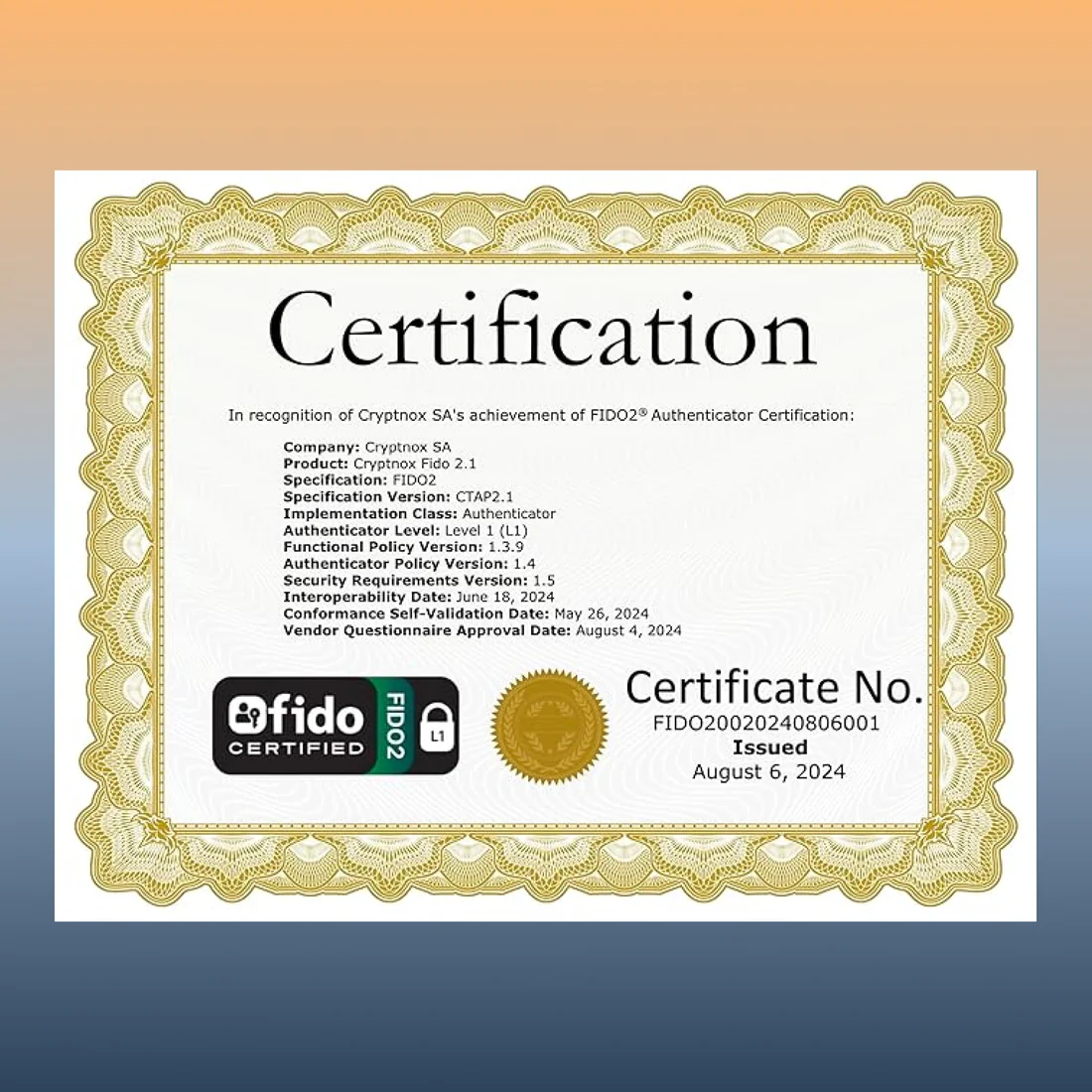
Yes — this is a FIDO Certified FIDO2 security key (FIDO2 v2.1 and CTAP Level 1, WebAuthn + passkey support, with legacy U2F backward compatibility). FIDO certification is often a prerequisite or recognized building block for regulatory frameworks that require phishing-resistant hardware MFA:
If you need a documented FIDO Certified security key for a compliance deployment, or a hardware authenticator for personal use on services that support external FIDO2 keys (login.gov, AGOV, supported banks), this card qualifies as FIDO Certified hardware — final acceptance at any specific service should be verified with that service.
“Best” depends on your priorities:
The card works with every FIDO2-compliant service — from Google, Microsoft, Apple, Bank of America, and login.gov to the Swiss AGOV and SwissID portals — so “best” really comes down to form factor, price, and whether you need dual-application (web auth + building access).
The Cryptnox FIDO2 app can change the card PIN, factory reset the card, and manage resident keys (list, register, delete). It cannot migrate credentials to another card because FIDO2 private keys are generated and stored inside the secure element and never leave the card. For daily sign-in, the app is not required — registration on each service is done through the standard browser flow.
The card is built on NXP JCOP 4.5 (P71D600) hardware that has been certified under FIPS 140-3 (NIST CMVP certificate #4679). It is not deployed in the configuration covered by that certificate, and Cryptnox does not claim any FIPS certification at this stage. The Cryptnox FIDO2 applet itself is FIDO Alliance Certified (FIDO2 v2.1 + CTAP Level 1).
The underlying NXP platform is Common Criteria EAL6 augmented certified: the N7122 A1 secure controller under BSI-DSZ-CC-1149-V4-2025 and the JCOP 4.5 P71 operating platform under NSCIB-CC-2300127-02 (Netherlands scheme). The Cryptnox FIDO2 applet runs on top of this certified platform and is not itself Common Criteria certified.
The Cryptnox FIDO2 applet performs all cryptographic signing on NIST P-256 (P-256 r1), the curve mandated by the FIDO2 / WebAuthn specification. The underlying chip platform supports additional curves (Brainpool 224/256/320/384/512, NIST P-224 / P-384 / P-521, and Secp256k1) on its ECC coprocessor, but the FIDO2 applet exposes only NIST P-256 to remain spec-compliant.