Cryptnox SA
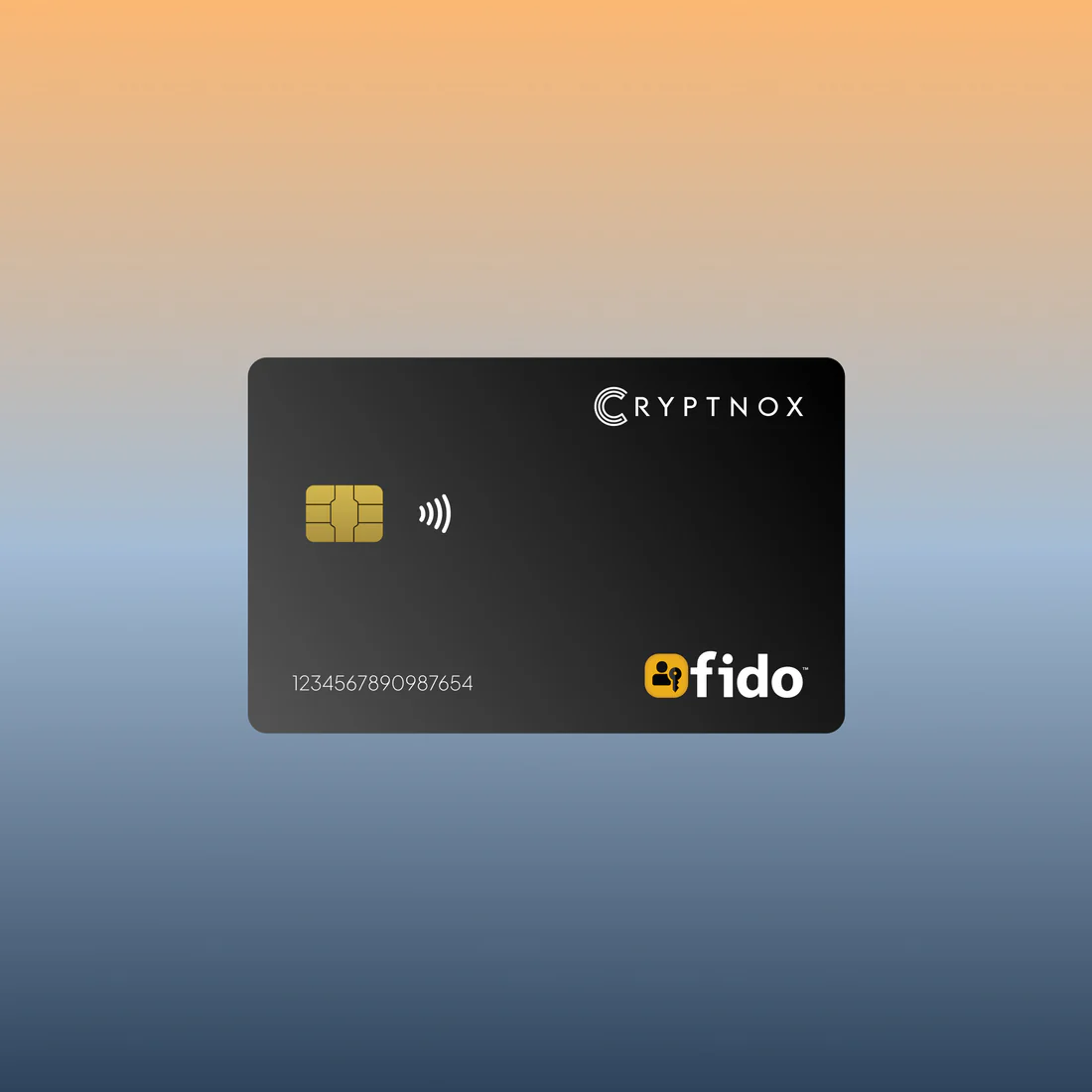
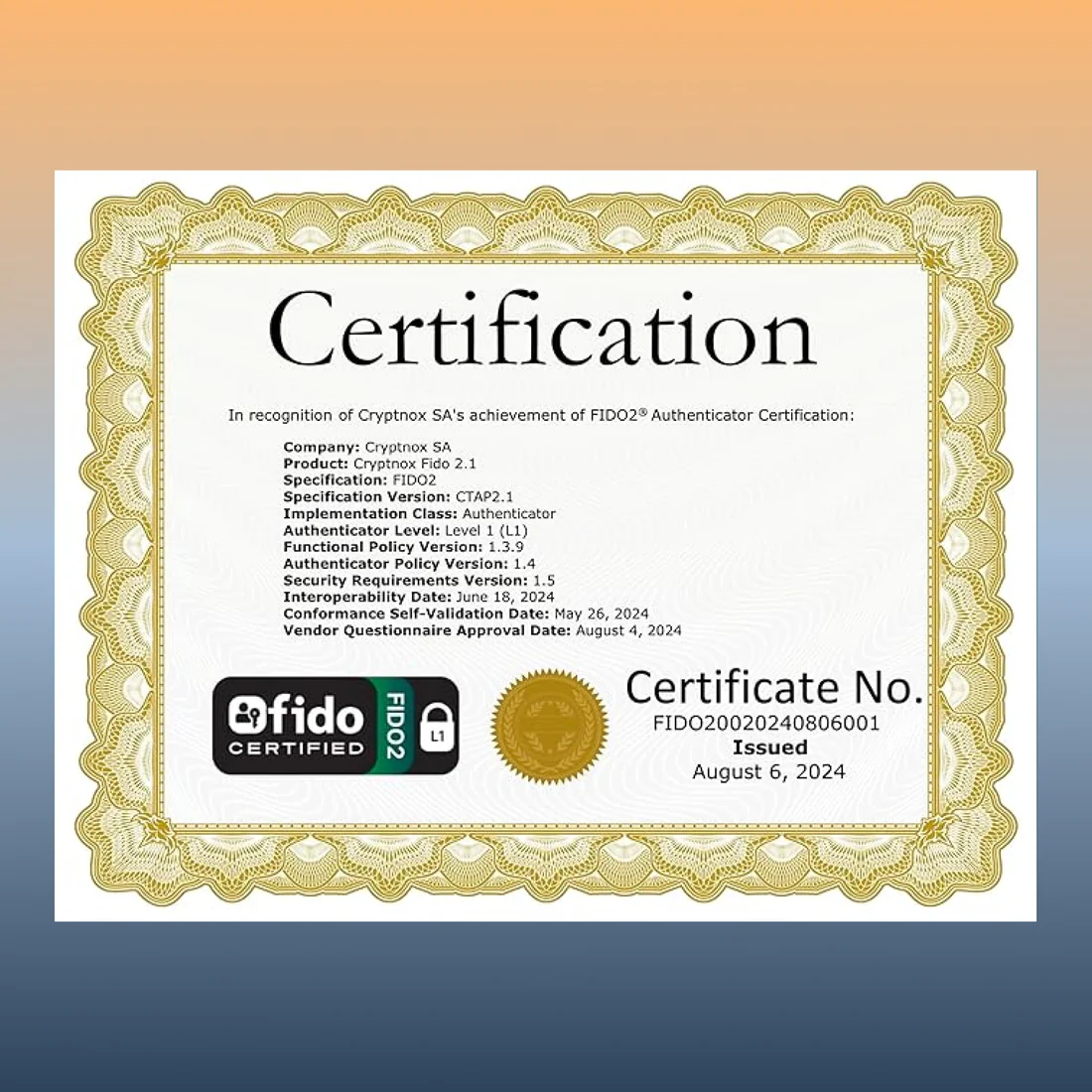
The Cryptnox FIDO2 + MIFARE card is the flagship of our FIDO2 lineup — a single Swiss-engineered NFC smart card combining FIDO Alliance Certified FIDO2 (v2.1 + CTAP Level 1) authentication with MIFARE DESFire EV2 physical access control on the same chip. One card for 2FA / MFA on every major web service plus office door access. Cryptnox-branded face. Single card.
CHF 36.41
Tax included. Shipping calculated at checkout.
Customer rating: ★★★★☆ 4.1 / 5 — based on 289 Amazon customer reviews. Read on Amazon.
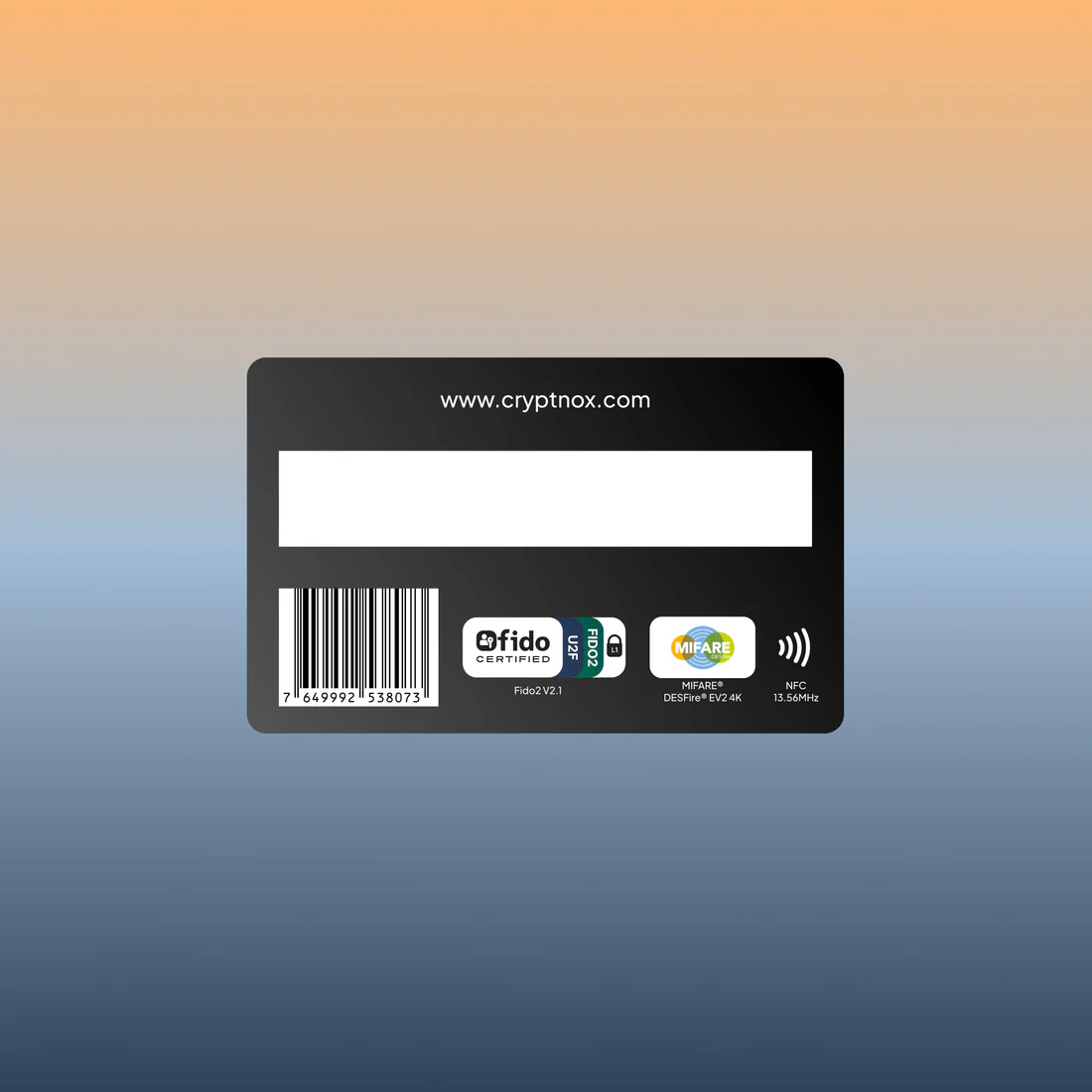
The Cryptnox FIDO2 + MIFARE card is the flagship of our FIDO2 lineup — a single Swiss-engineered NFC smart card that combines two security functions in one Cryptnox-branded credential. FIDO Alliance Certified (FIDO2 v2.1 and CTAP Level 1), the card is primarily used as a hardware 2FA / MFA second factor on every major FIDO2 / WebAuthn service and adds a MIFARE DESFire EV2 (4K) applet for physical access control on the same chip. One card replaces both your 2FA security key and your office building badge.
A single secure-element chip runs two independent firmware applications, logically firewalled inside the chip:
Each applet uses its own keys and memory space, so a compromise of one cannot reach the other.
The card supports both NFC and contact (ISO 7816) interfaces. Tap on any NFC-capable phone for FIDO2 sign-in or MIFARE access; on a desktop or laptop, use a contactless smart card reader for tap-and-go workflows or a contact reader for a physical-connection sign-in.
For Windows desktop users who sign in with FIDO2 via the contact interface, the Cryptnox dual-slot Smartcard Reader features a dedicated “tap” button that electronically simulates card extraction and reinsertion — press the button when a FIDO2 service prompts you to tap, instead of physically removing the card. (Tap button feature is Windows-only.) See our click-to-tap tutorial for the full FIDO2 sign-in workflow.
FIDO2 is the modern open authentication standard (WebAuthn + CTAP2) for phishing-resistant strong authentication. Most services use FIDO2 cards as a hardware second factor — sign in with your password as usual, then tap the card to confirm. A growing set of services (Microsoft Entra ID, Google Workspace, login.gov, AGOV) also support FIDO2-based passwordless sign-in. Backed by the FIDO Alliance — a consortium including Google, Microsoft, Apple, Amazon, and major banks — FIDO2 is the foundation of modern hardware-backed authentication on the web.
The Cryptnox FIDO2 + MIFARE card combines two security capabilities on one chip:
The MIFARE side is plain-vanilla DESFire EV2 with open AES key programmability. It works with any access control system that accepts standard DESFire cards — most modern enterprise systems do, but always test a sample card with your specific reader and access control software before a wider rollout. Some proprietary access systems are configured to only accept cards issued by specific vendors with their own overlays.
This card is for individuals and small teams who don’t need to print custom branding on the face. For organizations that want employee photos, company logos, or department names printed on each card, see the FIDO2 + MIFARE White PVC variant. For larger deployments, see the 25-pack.
For setup walkthroughs, integration guides, and service-specific tutorials (Google, Microsoft, Apple, GitHub, Bank of America, login.gov, AGOV, SwissID), browse our FIDO2 tutorials hub.
It’s a Swiss-designed NFC smart card that combines two security functions on a single secure-element chip:
The two applets are logically firewalled inside the chip — each uses its own keys and memory space, so a compromise of one cannot reach the other. Firmware is designed in Switzerland; cards are programmed in Switzerland or Poland. The face carries the Cryptnox branding — for a blank, in-house-printable face, see the FIDO2 + MIFARE White PVC variant.
Both are FIDO2-certified and work over NFC. Key differences:
For pure web 2FA on a keyring, either works. For one credential that handles both web sign-in and office door access, this card combines them.
Any service that supports FIDO2, WebAuthn, or legacy U2F — which is now the vast majority of major online platforms:
If the service’s security settings show a “security key” or “passkey” registration option, this card will work. Registration is done by tapping the card on your phone’s NFC area or placing it on a contactless reader connected to your computer.
MIFARE DESFire EV2 is a widely-used enterprise contactless credential standard, and our cards are plain-vanilla DESFire chips with open AES key programmability. Compatibility is not universal: many readers accept standard DESFire cards once encoded with the right AES keys and application structure, but some access control systems are configured to only accept cards issued by specific vendors with proprietary overlays. We recommend testing a single card end-to-end with your specific reader + access control software before any larger rollout — or ask your systems integrator whether your stack allows third-party DESFire cards.
Phones: – iOS — any iPhone 7 or newer; Safari supports FIDO2 over NFC natively. – Android — Android currently supports only CTAP1 / U2F (FIDO1) for external NFC security keys, not the newer FIDO2 / CTAP2. Most major services (Google, Microsoft, GitHub, etc.) maintain CTAP1 backward compatibility, so the Cryptnox card works on the majority of mainstream sites as a second-factor authenticator on Android. The feature set is reduced — no passwordless or passkey-style sign-in — and CTAP1 implementations vary across servers, so it isn’t 100% guaranteed for every service. Test with your target service before relying on it.
To register on a supported phone, sign in to your account, go to Security settings → Security keys / Passkeys, click “Add security key,” and tap the card against your phone’s NFC area (typically the upper back). Registration takes 10–30 seconds per service.
Desktop / laptop: – Windows 10/11 — full FIDO2 support across all major browsers; tap on built-in NFC or use a contactless reader. – macOS — FIDO2 over NFC support varies by macOS version and browser. Test before relying on it for production. – Linux — Linux browsers expect FIDO2 authenticators to expose a HID interface, which contactless smart card readers do not. Use our open-source Cryptnox FIDO2 HID bridge — a small daemon that presents the card to the browser as an HID-FIDO device.
If your computer doesn’t have built-in NFC, we make two USB-C readers: the NFC Contactless Reader and the dual-slot Cryptnox Smartcard Reader. Both use the standard USB CCID interface — no Cryptnox-specific driver needed.
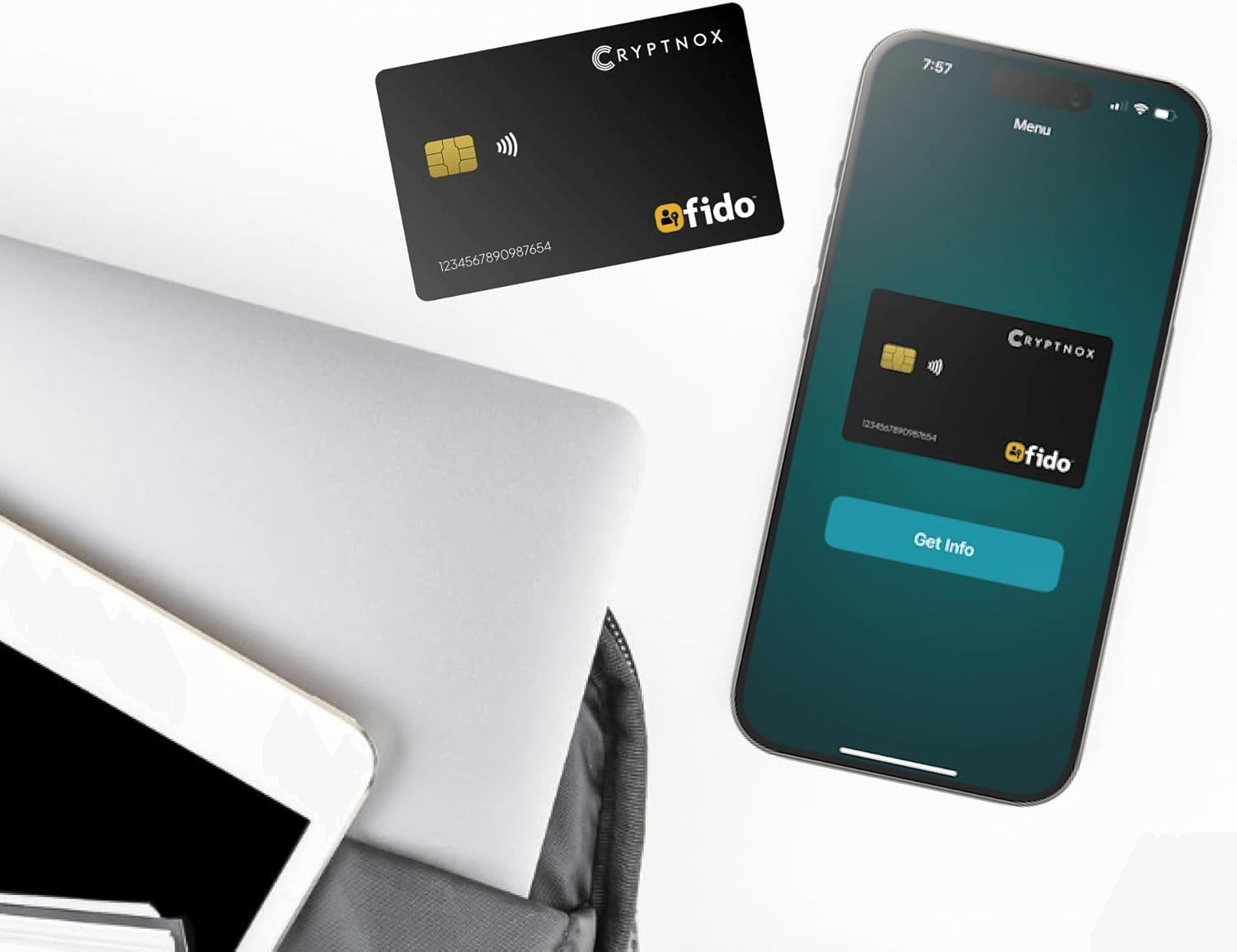
Cryptnox FIDO2 app (advanced features only): the free Cryptnox FIDO2 app (App Store / Play Store) is for advanced management — PIN changes, factory reset, and handling resident-key (discoverable) credentials stored on the card. It is not required for day-to-day use — registering the card with a service, signing in, and 2FA all work directly with any FIDO2-supporting browser or service, no app needed.
Replacing a card: keys are bound to the card’s secure element and never leave it, so cards cannot be cloned or migrated card-to-card. To replace a lost or retired card, register the new card on each account/service and delete the old card’s registration at that service. The new card creates its own fresh per-service keys; the old card’s registrations are revoked server-side. For high-stakes deployments, register a backup card on each account in advance so a lost primary doesn’t lock the user out.