Cryptnox SA
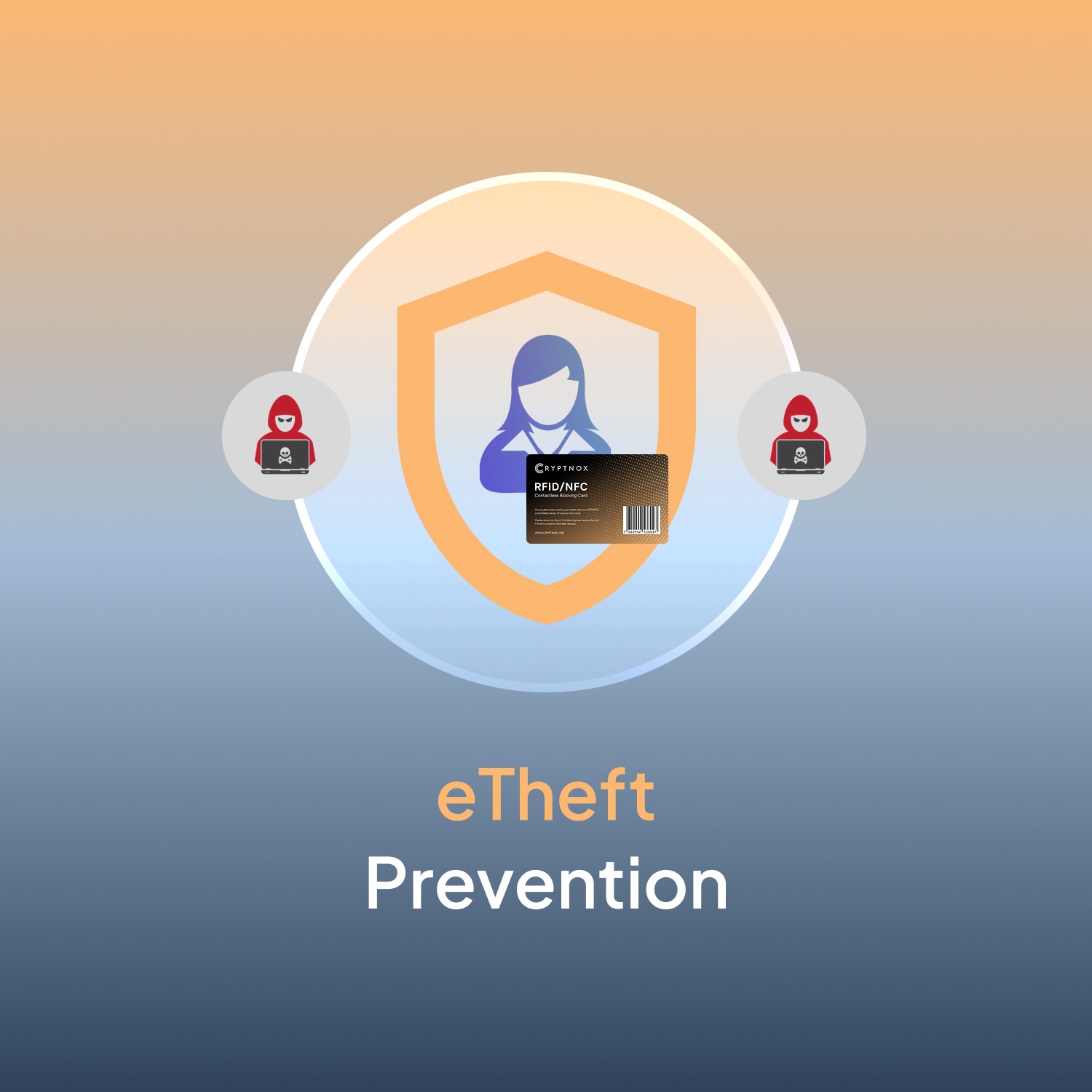
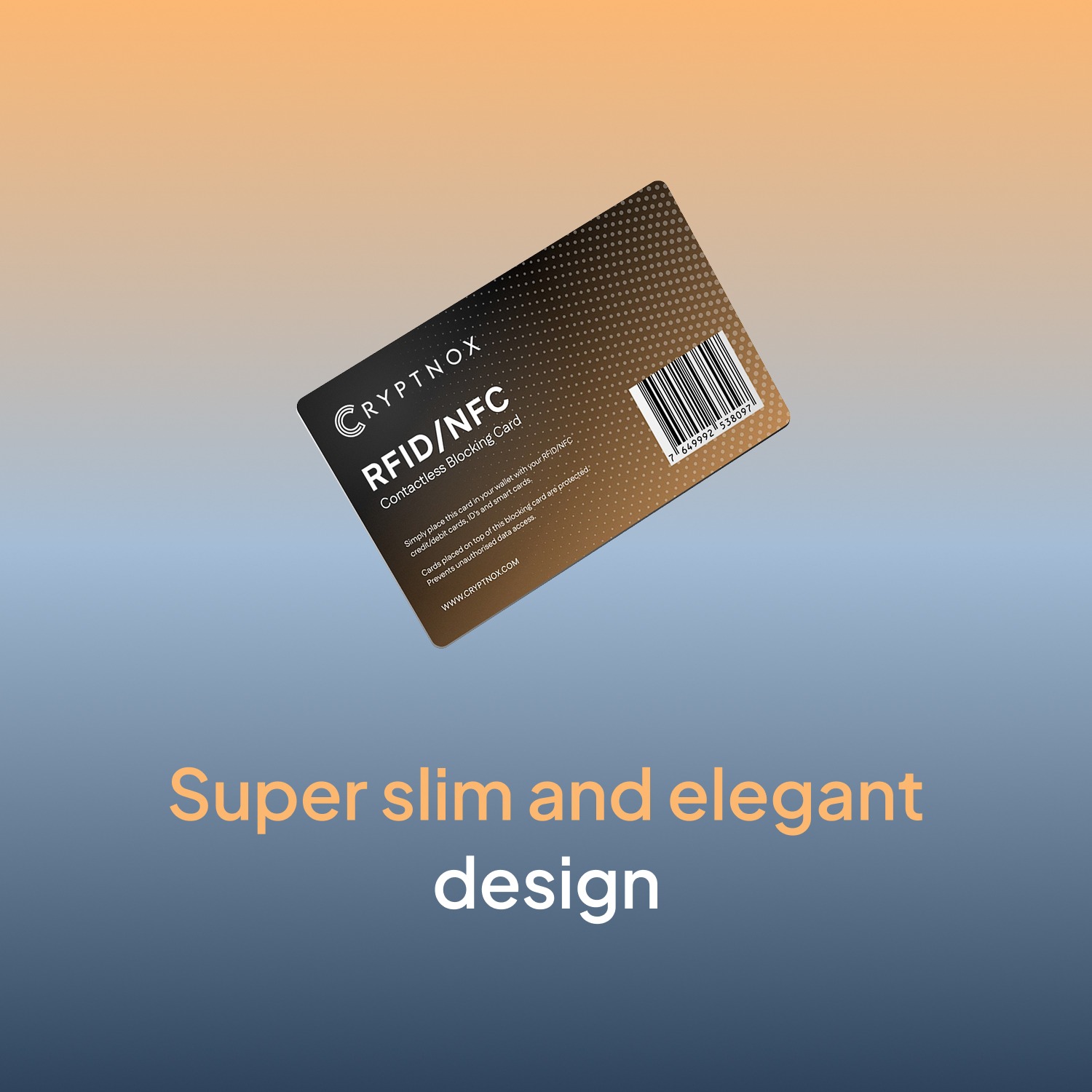
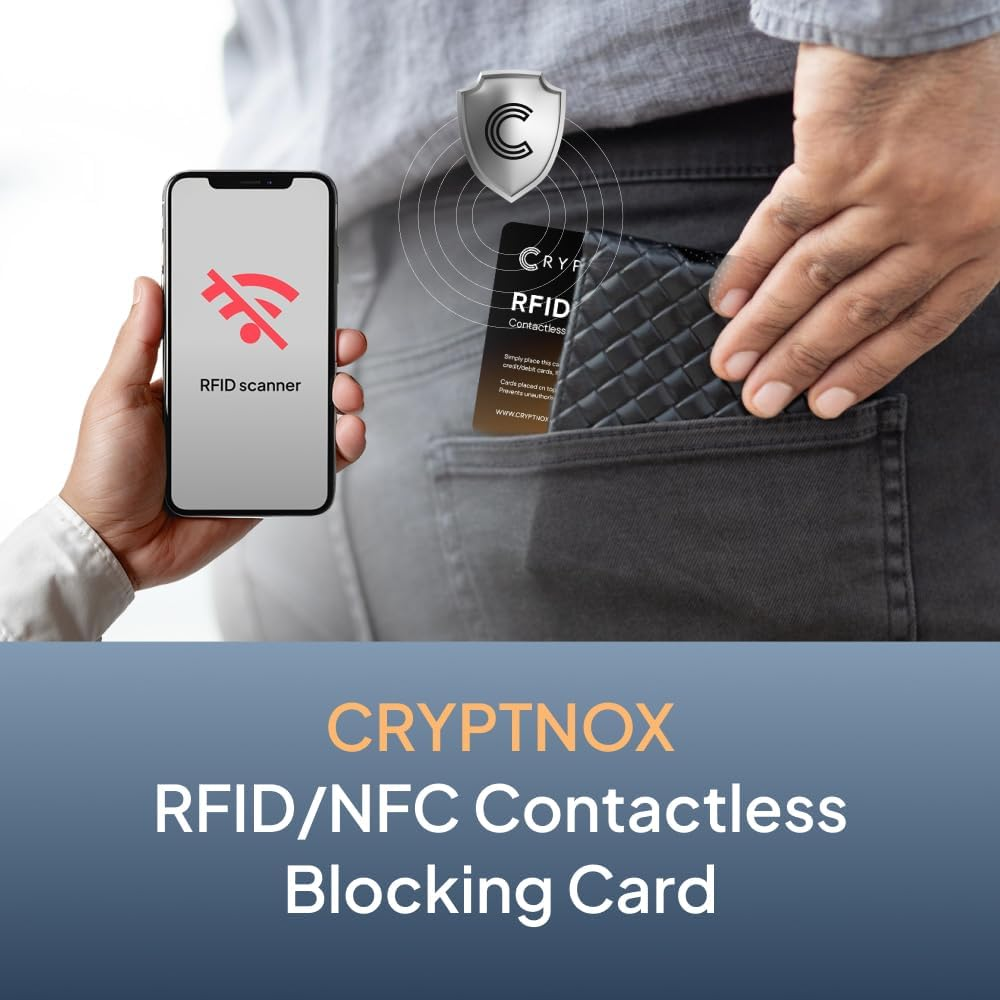
The Cryptnox RFID blocking card is a passive contactless skimming protection card that protects every contactless card in your wallet from 13.56 MHz skimmers. No battery, no charging, no software — drop it in your wallet and it works for up to 20 years of normal use. Place one card per wallet (or two for full-front-and-back coverage in thicker wallets).
ORDERS TO THE EU SHIP DIRECTLY FROM THE EU – NO IMPORT DUTIES
€ 9.00
Tax included. Shipping calculated at checkout.
Customer rating: ★★★★½ 4.3 / 5 — based on 87 Amazon customer reviews. Read on Amazon.
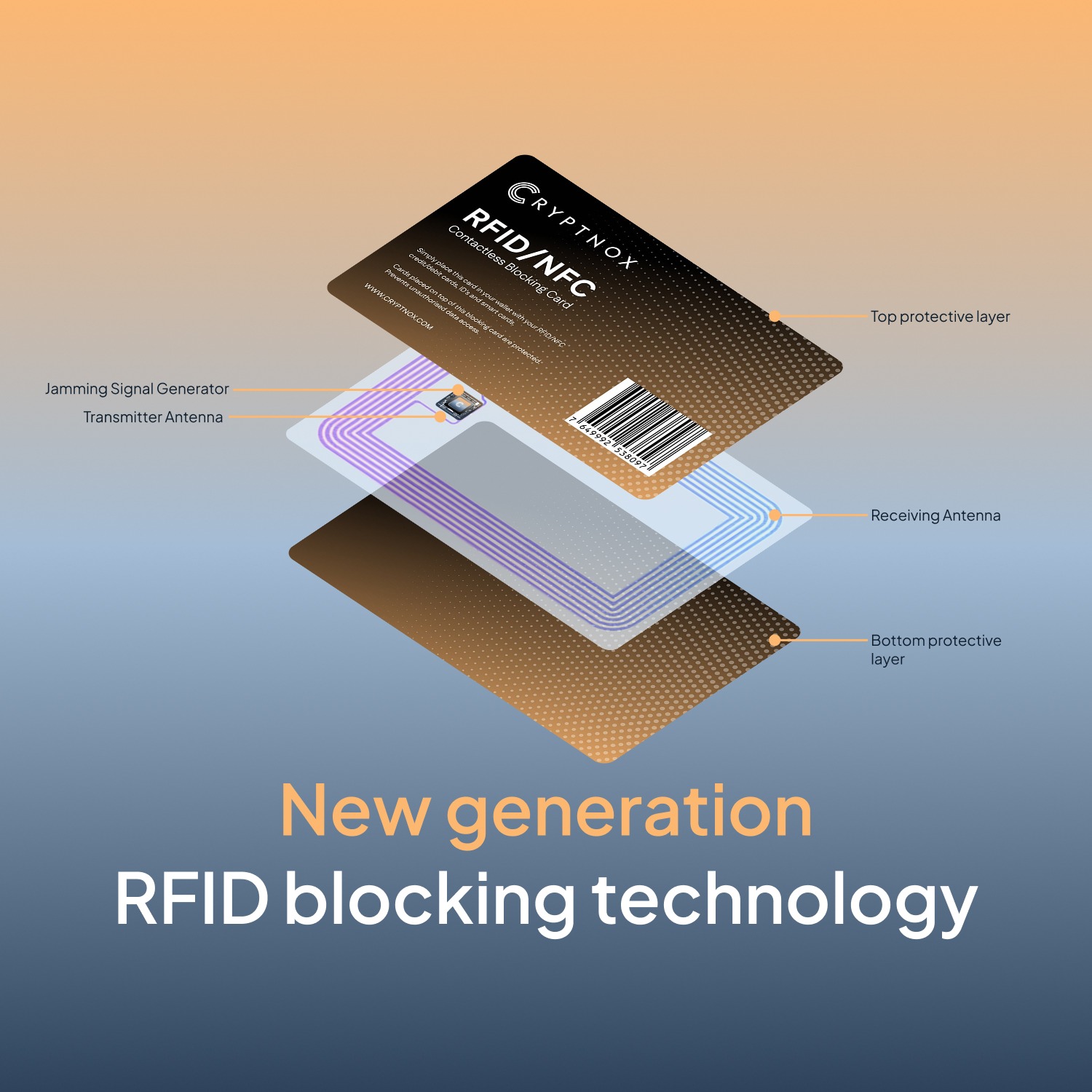
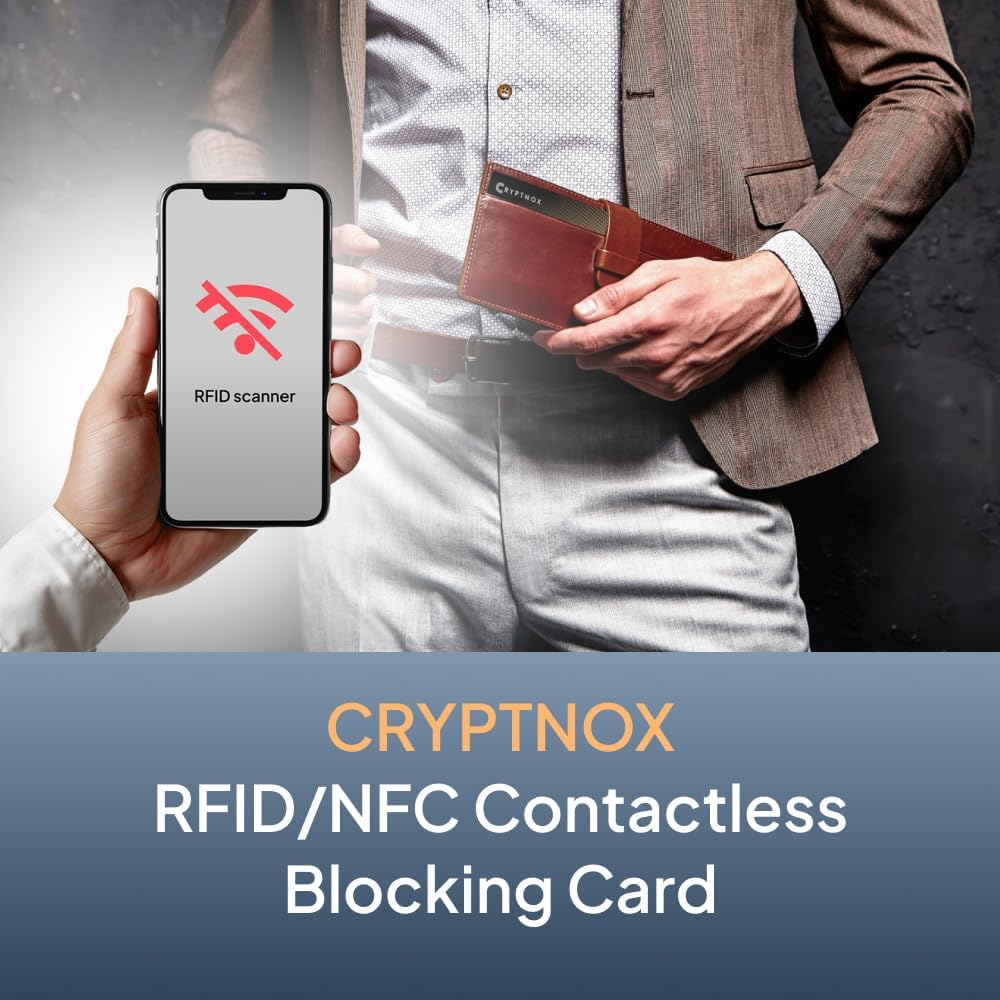
The Cryptnox RFID blocking card is a passive contactless skimming protection card that sits in your wallet alongside your contactless cards. When a hostile reader sends an RF field toward your wallet, the blocking card harvests that energy and emits a counter-signal on the same 13.56 MHz frequency — drowning out responses from any nearby contactless card. No battery, no charging, no software. Up to 20 years of wallet protection from a single passive RFID blocking card.
Sleeves protect one card per sleeve and make cards awkward to reach for payment. A blocking card sits in your wallet once and protects every contactless card within a few millimeters on either side — credit cards, access badges, transit cards, e-passport. You still tap cards normally (remove from wallet to pay); the blocking card only activates when a hostile reader is nearby. For a wallet with 3+ contactless cards, the blocking card is cheaper, thinner, and more convenient than stacking sleeves.
The card blocks the 13.56 MHz frequency band used by:
It does not block 125 kHz low-frequency cards (older HID Prox, EM4100) — these operate in a different frequency band and require a different shielding approach.
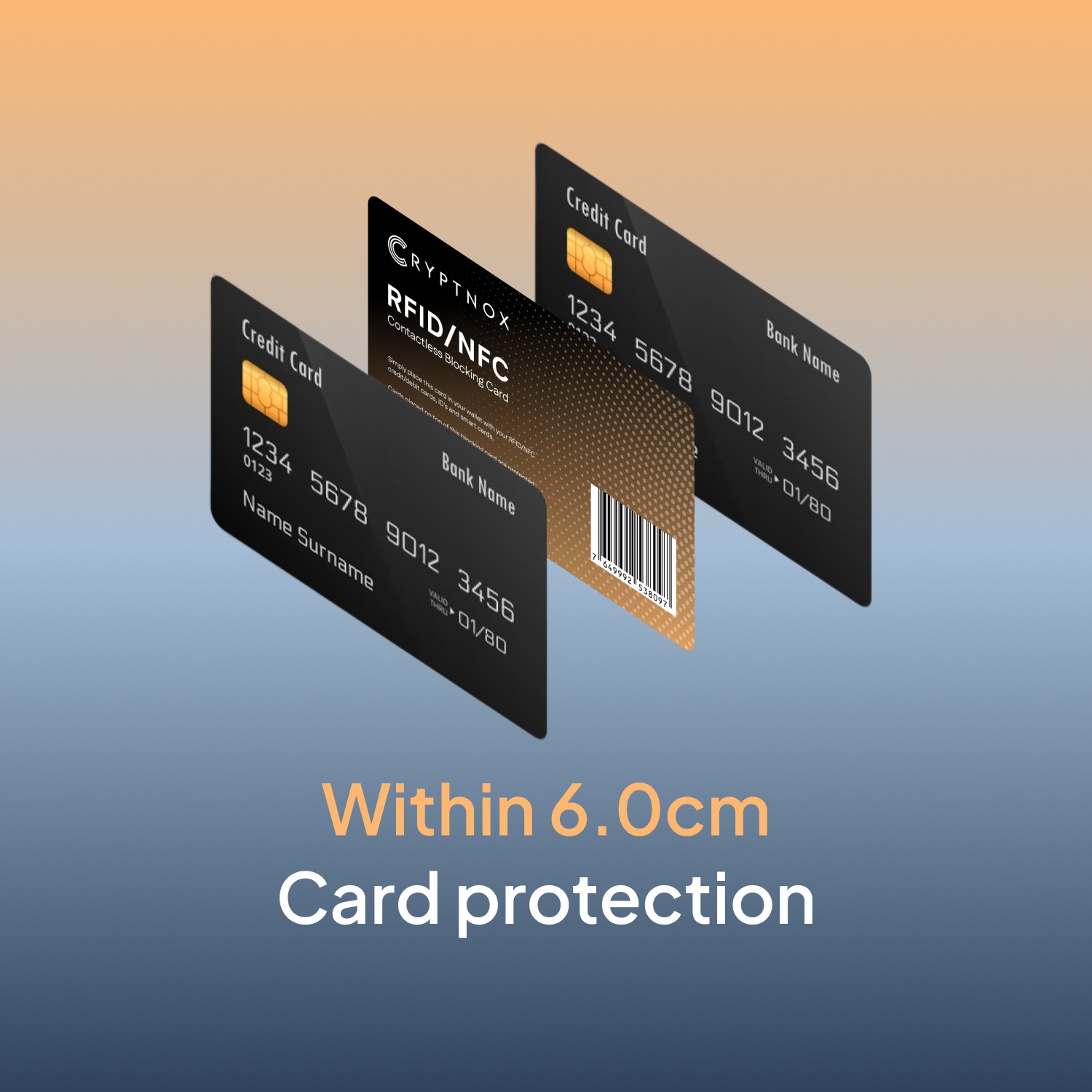
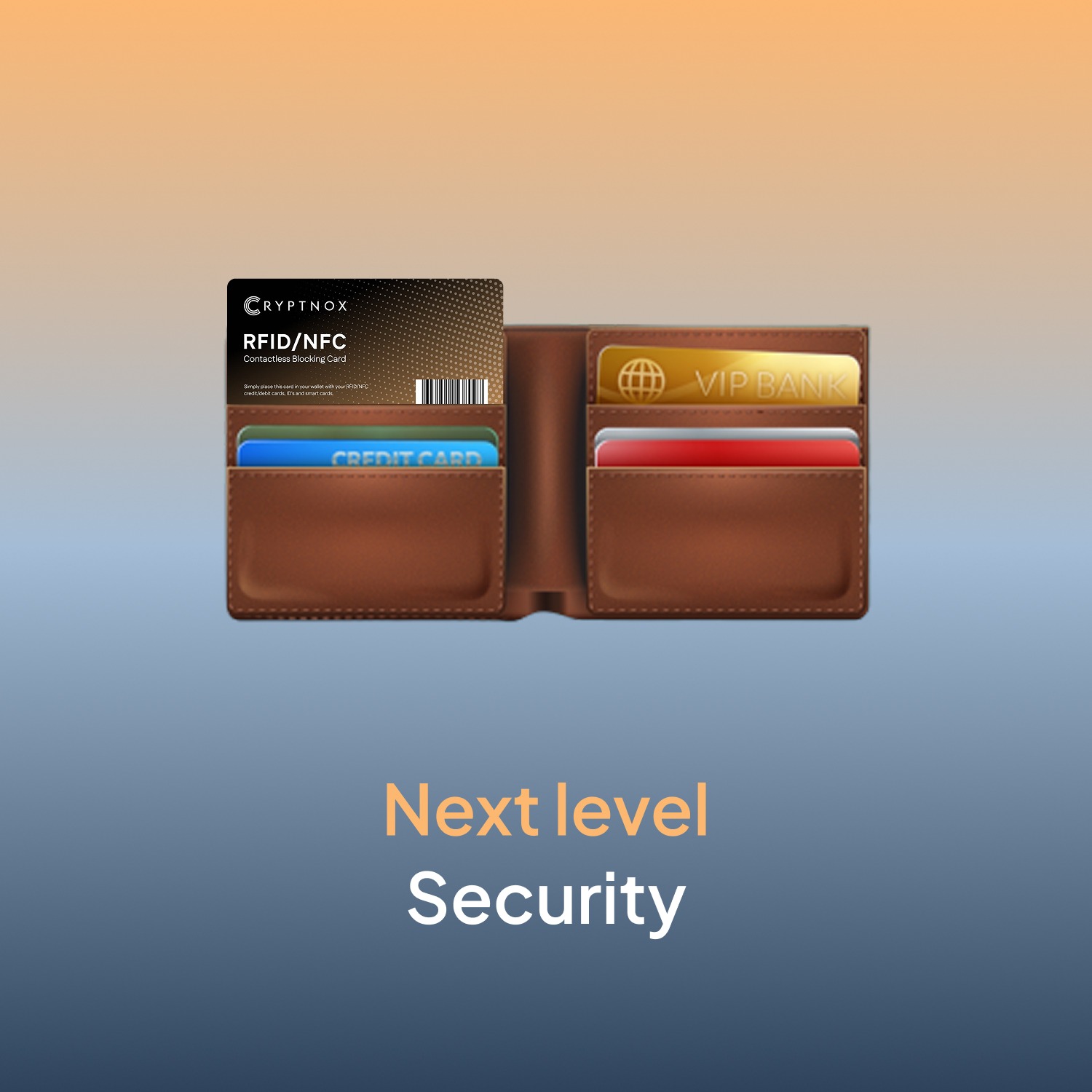
Place the blocking card in the middle of your card stack, with contactless cards on either side. Protection range is about 2–3 cards per side. For maximum protection, use two blocking cards — one at each end of your wallet, with the cards you want to shield sandwiched between them. This works well for thick bifold wallets with 8+ contactless cards or full-front-and-back coverage against skimmers approaching from any angle.
No — the blocking card protects other contactless cards in your wallet, not your phone. To disable NFC on a phone, use the phone’s NFC settings or a phone case with metallic shielding. The blocking card is purpose-built for wallet card protection.
Verify the blocking card works in under a minute:
If the blocking card doesn’t work as expected, see our troubleshooting guide.
When any 13.56 MHz reader sends an RF field toward your wallet, the blocking card’s embedded antenna absorbs the energy and emits a counter-signal on the same frequency. The counter-signal “jams” the reader — it can’t complete a handshake with any other card in the wallet because the responses get drowned out. The card itself holds no personal data and stores no keys; it’s a passive RF jammer, activated by the attacker’s own reader field.
For comprehensive contactless security, pair the blocking card with a Cryptnox FIDO2 + MIFARE security card (so your authentication credential is hardware-backed) and the Cryptnox crypto hardware wallet (for cold-storage cryptocurrency signing).
The card uses an embedded antenna to harvest energy from any 13.56 MHz reader field. When activated, it emits a counter-signal on the same frequency that overwhelms any handshake attempt with another card in the wallet. No chip is reading, computing, or storing data — it’s a passive RF jammer with no on-card memory.
Sleeves protect one card per sleeve and make cards awkward to reach for payment. A blocking card sits in your wallet once and protects every contactless card within a few millimeters on either side — credit cards, access badges, transit cards, e-passport. You still tap cards normally (remove from wallet to pay); the blocking card only activates when a hostile reader is nearby. For a wallet with 3+ contactless cards, the blocking card is cheaper, thinner, and more convenient than stacking sleeves.
When any 13.56 MHz reader sends an RF field toward your wallet, the blocking card’s embedded antenna absorbs the energy and emits a counter-signal on the same frequency. The counter-signal “jams” the reader — it can’t complete a handshake with any other card in the wallet because the responses get drowned out. The card itself holds no personal data and stores no keys; it’s a passive RF jammer, activated by the attacker’s own reader field.
It blocks the 13.56 MHz frequency band used by: contactless payment (EMV), NFC (Apple Pay, Google Pay receive-side), e-passports, MIFARE access badges, DESFire, NTAG, and FIDO2 cards. It does not block 125 kHz low-frequency cards (older HID Prox, EM4100) — these operate in a different frequency band and require a different shielding approach.
Place the blocking card in the middle of your card stack, with contactless cards on either side. Protection range is about 2–3 cards per side.
For maximum protection, use two blocking cards — one at each end of your wallet, with the cards you want to shield sandwiched between them. This works well for thick bifold wallets with 8+ contactless cards, or if you want full-front-and-back coverage against skimmers approaching from any angle.
A self-test takes under a minute:
If step 2 silences the card, the blocking card is active and working. If nothing changes, check that NFC is enabled on your phone and that both cards are held flat against the phone’s NFC area.
No battery, no charging, no software. The card is passive — it harvests energy from an attacker’s reader field and uses that same energy to emit its jamming signal. With no moving parts or wear-sensitive electronics, expected lifespan is up to 20 years of normal wallet handling (the usual failure mode is mechanical: the card getting cracked or bent from physical abuse). There’s nothing to update or replace — drop it in your wallet and it works silently for years.