Cryptnox SA
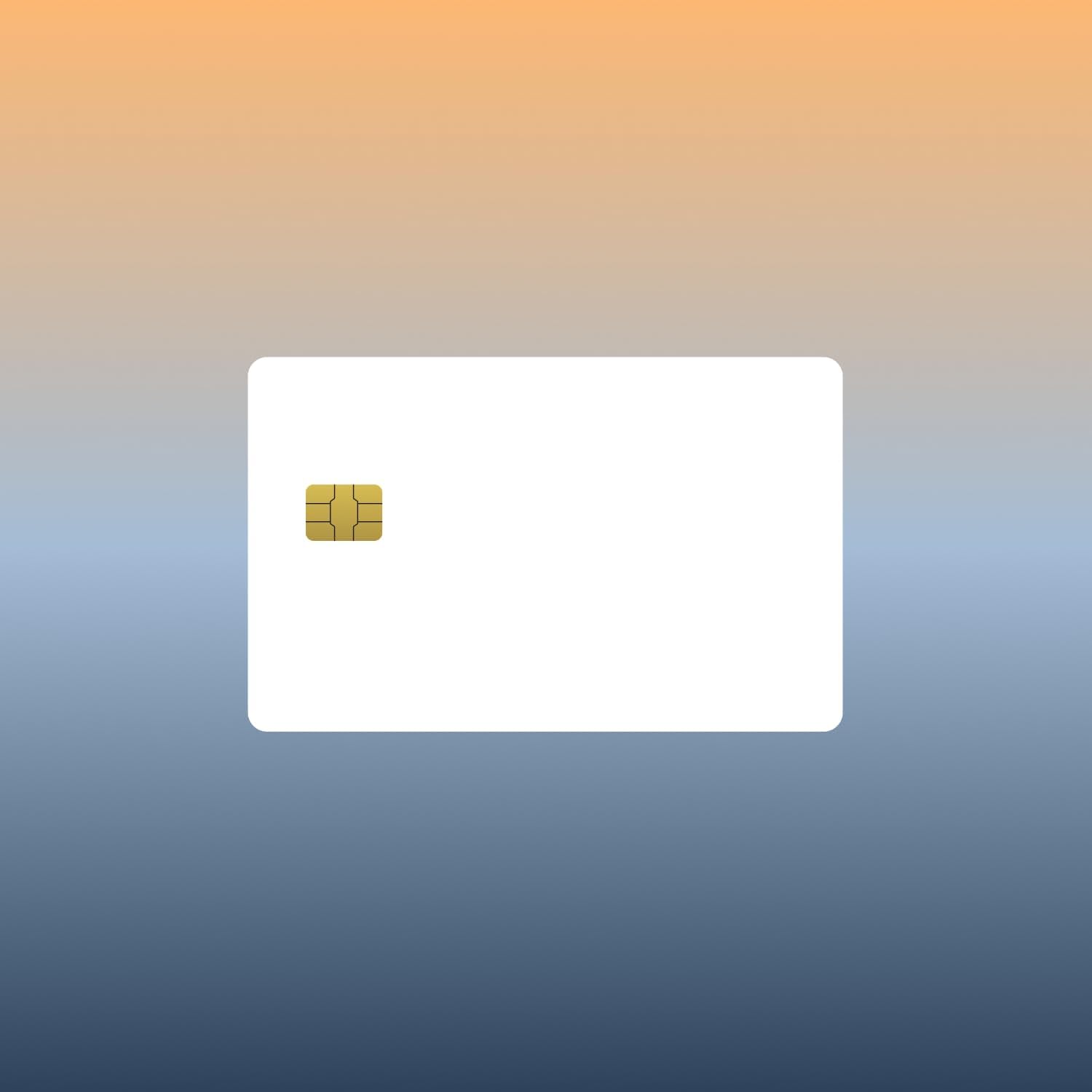
The Cryptnox FIDO2 White PVC card is the customizable variant of our basic FIDO2 security card — a single-application FIDO2 NFC smart card on a blank PVC face ready for in-house printing. FIDO Alliance Certified (FIDO2 v2.1 + CTAP Level 1) for hardware 2FA / MFA on every major FIDO2 / WebAuthn service. For corporate IT, MSPs, and resellers needing branded employee credentials.
ORDERS TO THE EU SHIP DIRECTLY FROM THE EU – NO IMPORT DUTIES
€ 39.00
Tax included. Shipping calculated at checkout.
The Cryptnox FIDO2 White PVC card is the customizable variant of our basic FIDO2 security card — a single-application FIDO2 NFC smart card on a blank PVC face ready for in-house printing. FIDO Alliance Certified (FIDO2 v2.1 and CTAP Level 1), it’s used as a hardware 2FA / MFA second factor on every major FIDO2 / WebAuthn service. Passwordless sign-in is supported on the subset of services that have explicitly enabled FIDO2-only login (Microsoft Entra ID, Google Workspace, login.gov, AGOV, etc.).
The blank White PVC face accepts standard ID card printers (dye-sublimation or thermal transfer) — Zebra, Evolis, Fargo, Magicard, Matica. Print employee photo, name, department, company logo, or any combination on each card. Inside, every card carries the same Swiss-engineered FIDO2 chip as our Cryptnox-branded variant. Typical buyers:
The card supports both NFC and contact (ISO 7816) interfaces. Tap on any NFC-capable phone for FIDO2 sign-in; on a desktop or laptop, use a contactless smart card reader or a contact reader. For Windows desktop users on the contact interface, the Cryptnox dual-slot Smartcard Reader features a dedicated “tap” button that electronically simulates card extraction and reinsertion (Windows only). See the click-to-tap tutorial for the full workflow.
FIDO2 is the modern open authentication standard (WebAuthn + CTAP2) for phishing-resistant strong authentication. Most services use FIDO2 cards as a hardware second factor — sign in with your password, then tap the card. A growing set of services (Microsoft Entra ID, Google Workspace, login.gov, AGOV) also support FIDO2-based passwordless sign-in. Backed by the FIDO Alliance — a consortium including Google, Microsoft, Apple, Amazon, and major banks — FIDO2 is the foundation of modern hardware-backed authentication on the web.
The blank White PVC surface is dimensioned to standard CR80 ID card printer specs. You can print:
Most local ID badge services or corporate print departments can run a small batch if you don’t have an in-house printer.
Software passkeys sync through cloud accounts (iCloud Keychain, Google Password Manager) — convenient, but a compromise of the cloud account compromises every passkey. The Cryptnox FIDO2 White PVC card stores keys inside a tamper-resistant secure-element chip that never touches any cloud. A phished attacker cannot remotely clone it — they’d need physical possession of the card and your PIN.
For deployments across an organization, see the FIDO2 White PVC 25-pack. For 500+ or pre-printed batches, get in touch via our contact form.
For setup walkthroughs, integration guides, and service-specific tutorials (Google, Microsoft, Apple, GitHub, Bank of America, login.gov, AGOV, SwissID), browse our FIDO2 tutorials hub.
This is a blank-surface version of our FIDO2 smart card, intended for organizations that want to customize or brand their hardware:
The white face is PVC, compatible with standard ID card printers that handle dye-sublimation or thermal transfer printing. The FIDO2 chip and antenna sit inside fixed zones, so printing in the designated card face area doesn’t affect electrical performance.
The card is standard CR80 credit-card dimensions and works with any PVC ID card printer supporting dye-sublimation or direct-to-card thermal transfer. You can design in any card-printing software (CardFive, CardExchange, Badge Designer, or your printer’s native tool), then print text, logo, or employee photo on the printable area — keep clear of the chip module zone. A thin laminate overlay is optional but extends card life.
For small volumes, a single-card-input desktop ID printer is sufficient. For larger batches, dual-side auto-feed printers save time. If your organization doesn’t own card-printing equipment, most local ID badge services or promotional-merchandise vendors can run a batch for a per-unit fee.
Yes — IT can register each card to the target user’s accounts before handing it over. Typical onboarding-at-scale workflow:
The employee changes the PIN to their own on first use — either from Windows (Settings → Accounts → Sign-in options → Security Key → Manage) or via the Cryptnox FIDO2 app on a mobile device. The Cryptnox FIDO2 app is for advanced management only (PIN changes, factory reset, resident-key credentials) and is not required for day-to-day sign-in. After PIN setup, only the employee can use the card. Each card stores its FIDO2 keys on-chip, so enrollment is a one-time cryptographic binding and the employee doesn’t need to be present during the initial registration step. For enterprise-scale rollouts, some IdPs (Entra ID, Okta) support bulk passkey registration via API — useful for hundreds or thousands of cards.
OS and browser compatibility: iOS supports FIDO2 over NFC natively (any iPhone 7+). Android currently supports only CTAP1 / U2F (FIDO1) for external NFC keys — not FIDO2 / CTAP2. Most major services maintain CTAP1 backward compatibility, so the card works as a U2F second-factor authenticator on Android, but the feature set is reduced and CTAP1 implementations vary. macOS FIDO2-over-NFC support varies by version and browser. Linux browsers expect FIDO2 authenticators on a HID interface — use the Cryptnox FIDO2 HID bridge to present the card to the browser as an HID-FIDO device. Windows 10/11 has full FIDO2 support across all major browsers. Always test with your specific OS + browser + service before rolling out to employees.
Passkeys and FIDO2 hardware security keys use the same underlying cryptographic protocol (WebAuthn), but they differ in where the private key lives:
For consumer use (shopping, social media), passkeys are fine. For accounts that absolutely cannot be compromised — admin accounts, crypto exchanges, banking, government portals (login.gov, AGOV, SwissID), NIS2- and DORA-regulated logins — a hardware key is the industry-recommended approach. Many organizations deploy both: passkeys for low-risk logins, this FIDO2 card for privileged accounts.
Yes — the card is supported by Windows Hello for Business as a passwordless FIDO2 security key since Windows 10 version 1903 (fully in Windows 11), via Microsoft Entra ID (formerly Azure AD).
Standard enterprise deployment:
This delivers passwordless sign-in for Windows desktops, Microsoft 365, and every Entra ID-federated application. For shift-based and shared-workstation environments (call centers, healthcare, retail), passwordless FIDO2 cuts sign-in to a few seconds per shift change.