Cryptnox SA
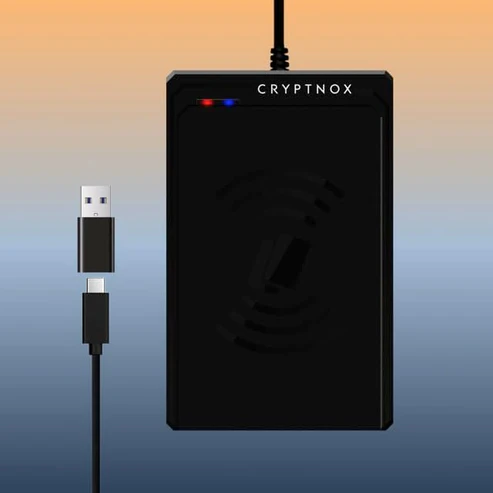
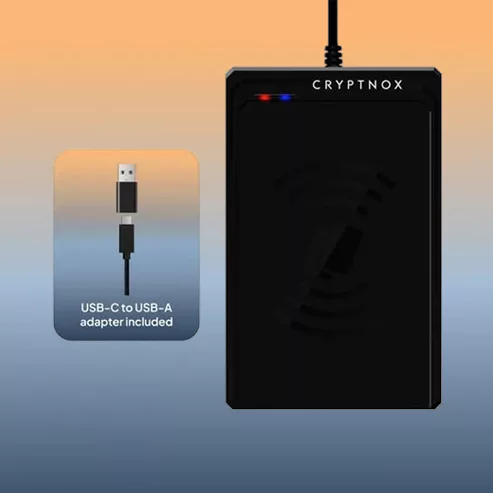
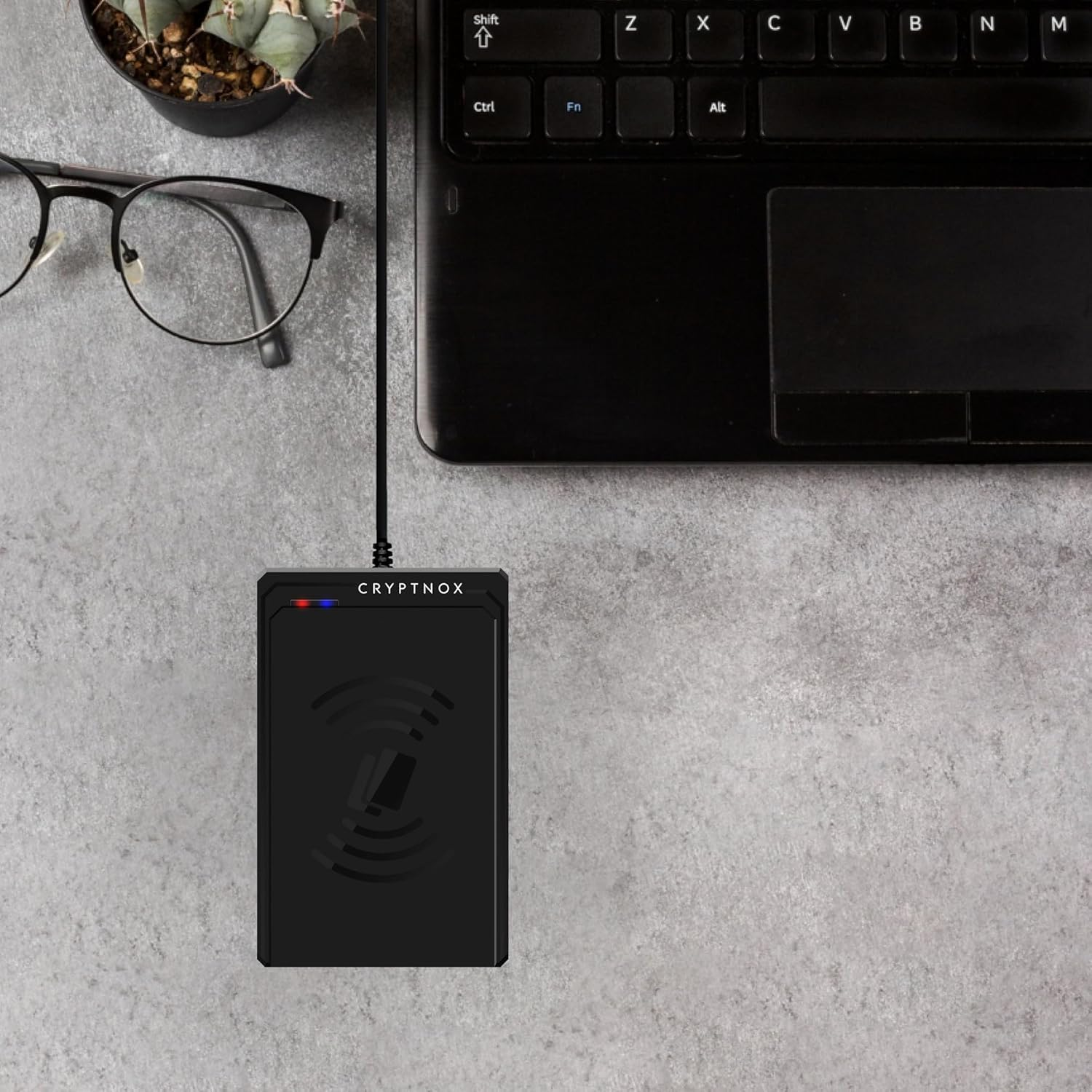
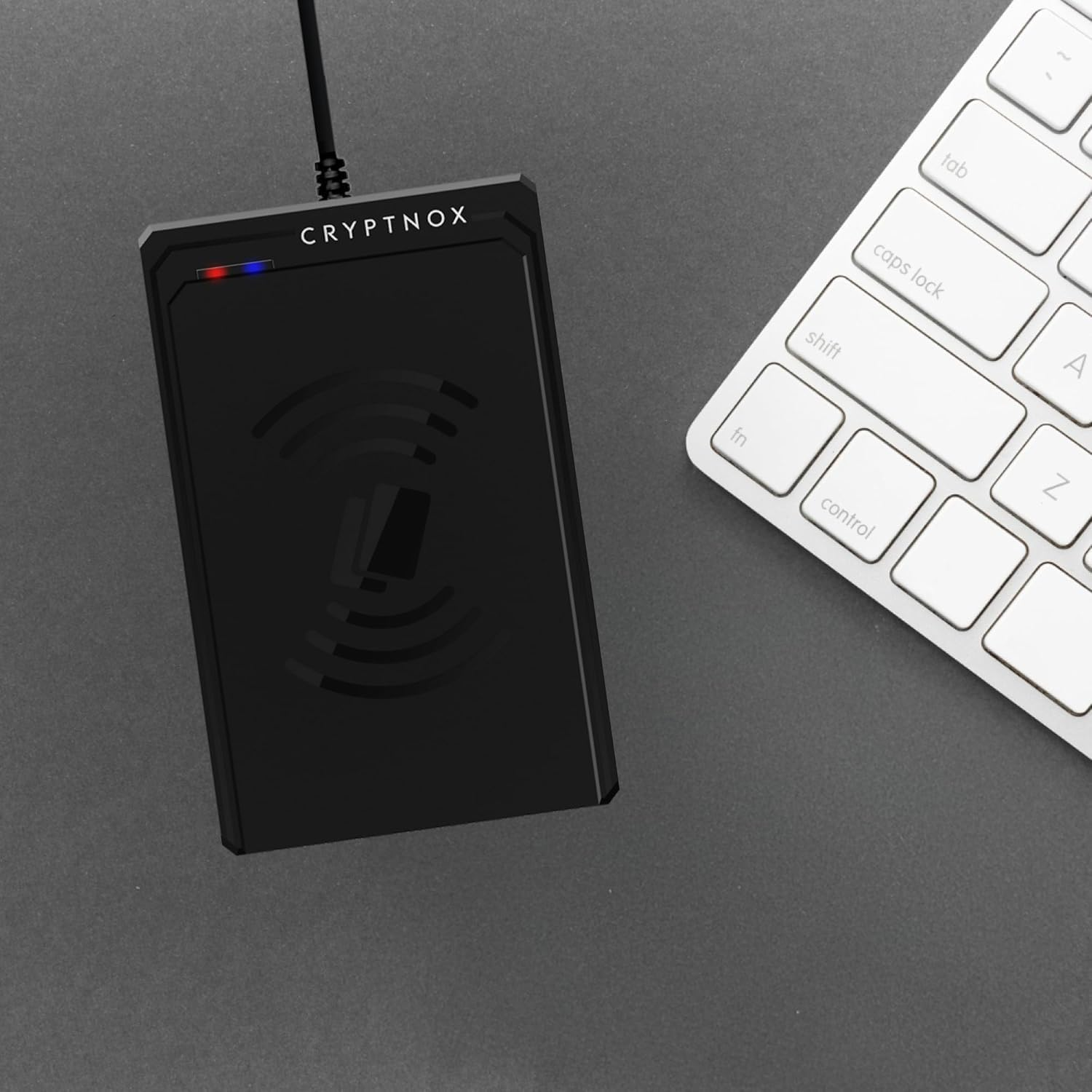
The Cryptnox NFC reader is a USB-C contactless smart card reader for FIDO2 cards, MIFARE access badges, NFC payment cards, and any ISO 14443 contactless smart card. USB CCID class-compliant — plug-and-play on Windows, macOS, and Linux with no Cryptnox-specific drivers required. Includes USB-C to USB-A adapter.
CHF 45.75
Tax included. Shipping calculated at checkout.
The Cryptnox NFC reader is a USB-C contactless smart card reader built for FIDO2 cards, MIFARE access badges, NFC payment cards, and any ISO 14443 contactless smart card. USB CCID class-compliant, so every modern operating system recognizes it via the built-in smart card stack — no Cryptnox-specific drivers required. Ships with a USB-C to USB-A adapter for compatibility with older computers and docking stations.
No — this NFC reader is a general-purpose smart card reader, not a payment terminal. Payment terminals (Square, Clover, SumUp) are closed devices that only process payment transactions and require merchant certification to operate. The Cryptnox NFC reader exposes raw card communication to your software (Windows CryptoAPI, macOS CryptoTokenKit, Linux pcsc-lite / OpenSC) for authentication, identity, access control, and development workflows — not for accepting payments.
The reader is USB CCID class-compliant — every modern operating system uses its built-in smart card stack. Windows 10/11 and macOS 11+ are plug-and-play. Linux needs the OS’s standard smart card packages installed once: pcscd + libccid + pcsc-tools. No vendor-specific software, no proprietary lock-in.
For tutorials covering FIDO2 desktop sign-in, MIFARE encoding, eID workflows, and click-to-tap with the dual-slot reader, browse our card reader tutorials hub.
The reader connects via USB-C to modern laptops, USB-C iPad, and USB-C docking stations. A USB-C to USB-A adapter is included in the box for compatibility with older USB-A-only computers.
If your desktop or laptop doesn’t have built-in NFC, the Cryptnox NFC reader is the standard way to use NFC FIDO2 cards from a browser. When a service prompts you to “tap your security key,” place the card on the reader pad — the FIDO2 sign-in completes in seconds.
If most of your cards have an NFC interface (Cryptnox FIDO2, MIFARE access badges, contactless eID), this NFC reader is the right choice. If you primarily use contact smart cards (DoD CAC, federal PIV, banking smart cards with contact-only chips), see the Cryptnox dual-slot contact Smartcard Reader or the compact USB-A CAC reader instead.
No. Payment terminals (Square, Clover, SumUp) are closed devices that only process payment transactions and require merchant certification to operate. This is a general-purpose NFC / contactless smart card reader that plugs into a computer via USB-A or USB-C. It exposes raw card communication to your software (Windows CryptoAPI, macOS CryptoTokenKit, Linux pcsc-lite / OpenSC) for authentication, identity, access control, and development — not for accepting payments.
Yes — the reader is CCID class-compliant (USB smart card standard), so it uses the operating system’s built-in smart card stack rather than any Cryptnox-specific driver. macOS 11+ and Windows 10/11 ship with the stack enabled, so the reader is plug-and-play out of the box. Linux requires the generic PC/SC daemon and CCID driver from your distribution’s repositories:
sudo apt install pcscd libccid pcsc-toolssudo dnf install pcsc-lite pcsc-lite-ccid pcsc-toolssudo pacman -S pcsclite ccid pcsc-toolsOnce installed, pcsc_scan should detect the reader immediately. No vendor/proprietary driver is ever required.
Any ISO 14443-A/B contactless card: MIFARE Classic, MIFARE DESFire (EV1/EV2/EV3), NXP NTAG, Cryptnox FIDO2 cards, Cryptnox hardware wallet cards, YubiKey over NFC, Identiv uTrust cards, PIV / CAC / CIV cards with contactless interface, passkey-enabled security devices, and EMV contactless payment cards for UID/read-only use. Software written for Identiv or HID OMNIKEY readers using standard PC/SC will work with this reader unchanged.
Yes. The reader is a common way to use Cryptnox FIDO2 cards on desktops and laptops that don’t have built-in NFC. Place the card on the reader when your service asks you to tap your security key — FIDO2 sign-in completes in seconds. It also works with YubiKey 5 NFC, Identiv uTrust FIDO2, and other NFC-capable FIDO2 devices.
Yes over the contactless interface. For PIV and CAC cards that have a dual-interface chip (most issued since 2015), the reader handles both contactless authentication and certificate-based login via pivclass, yubico-piv-tool, opensc-pkcs11, and Windows native PIV. For contact-only CAC cards (older issues), you’ll need a contact reader — see our Mini USB Smart Card Reader.