Cryptnox SA
EAN: 7649992538165
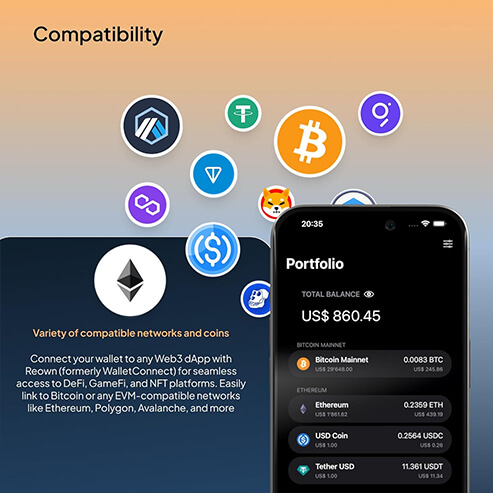
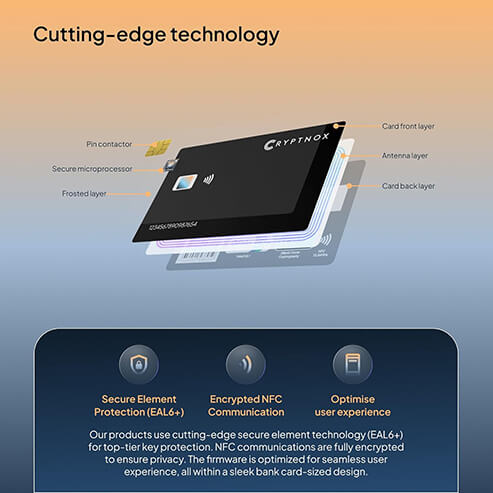
The Cryptnox crypto hardware wallet is a Swiss-engineered smart card that secures Bitcoin, Ethereum, 1,000+ EVM tokens, Tron (TRX, TRC-20), XRP, and other supported chains entirely on-card via an EAL6+ certified secure element. The Dual Card Set ships uninitialized — you set up both cards yourself via a brief paired ceremony in the Cryptnox app, with the seed computed inside both secure elements via a three-step ECDH exchange using randomness from the on-chip TRNGs, and committed to both cards immediately one after the other (no 24-word phrase to write down). Two more options: inject an existing 12/24-word BIP39 seed for migration or off-card backup, or initialize a single card from its on-chip TRNG for short-term use. When the card generates the seed itself (paired dual-card ceremony or single-card random init), randomness comes from the chip’s EAL6+-certified on-chip TRNG — every TRNG-generated seed is equally likely, and impossible to predict in advance. See the full default list of supported coins and blockchains — additional EVM-compatible networks and tokens can be added manually, plus supported custom tokens on Tron and XRP.
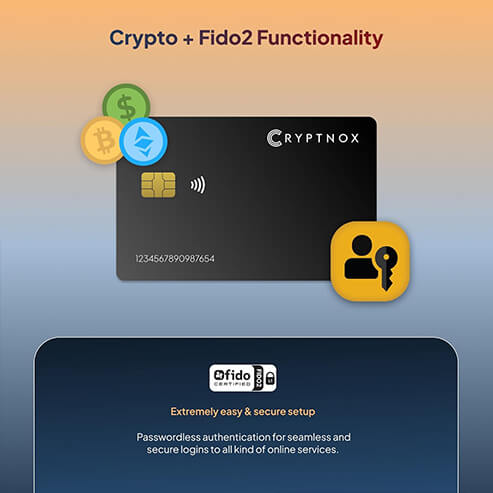
Cards also ship with FIDO2 Functionalities now!
For more information, Learn about Cryptnox FIDO2 security key.
€ 49.90
Tax included. Shipping calculated at checkout.
Customer rating: ★★★★½ 4.4 / 5 — based on 50 Amazon customer reviews. Read on Amazon.
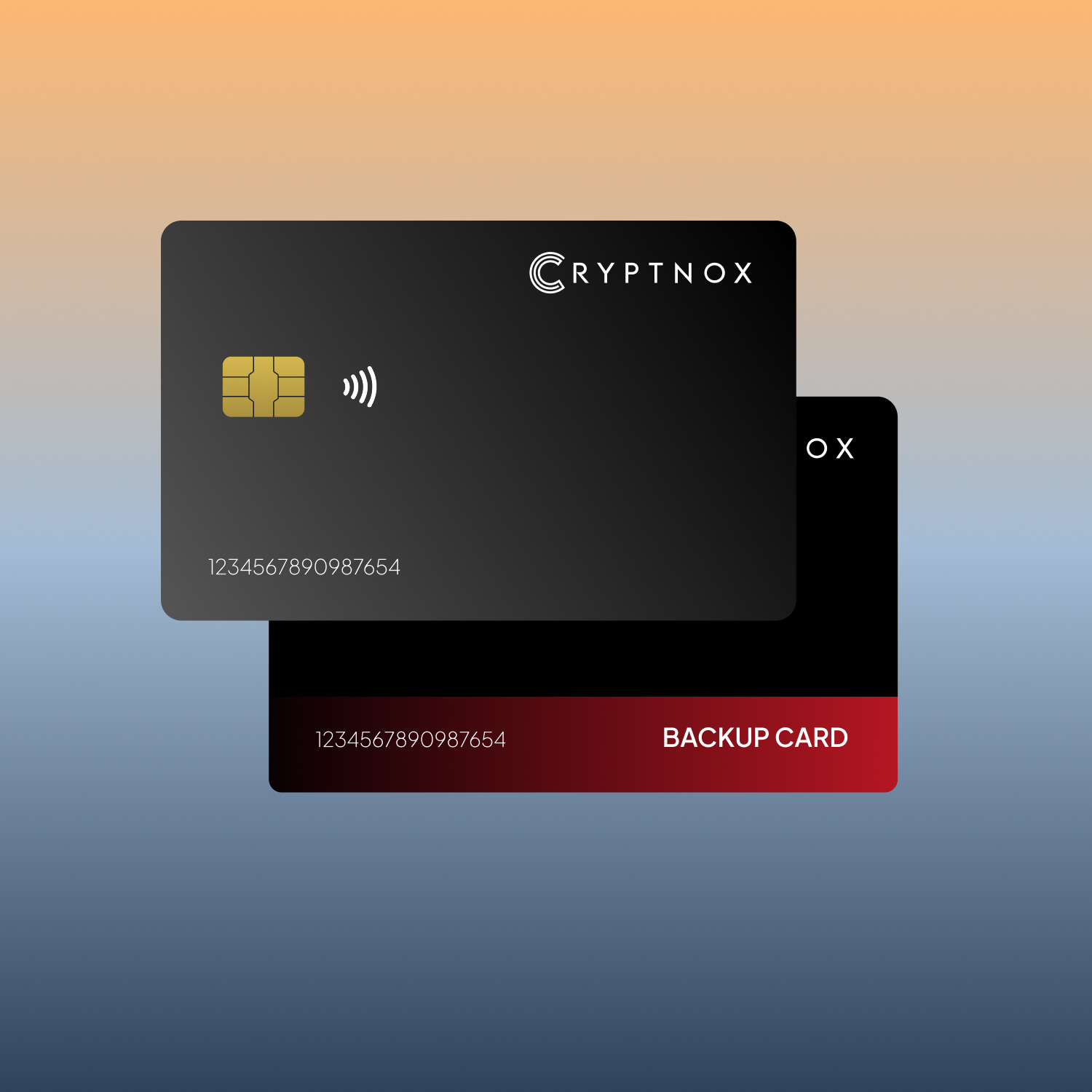
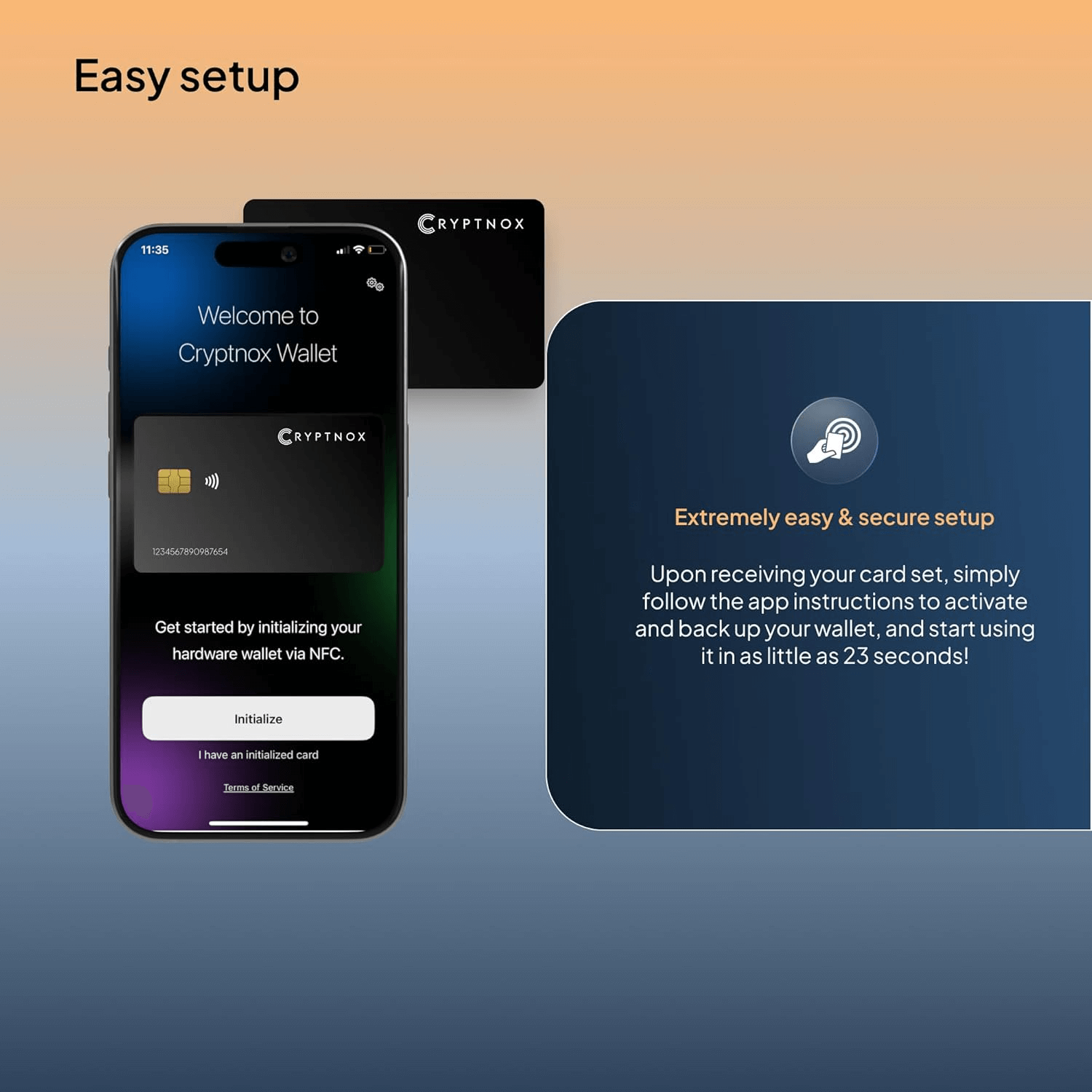
What makes the Cryptnox Dual Card Set unique: the primary card and the backup card can be initialized together in a paired ceremony (one of three available initialization methods) that completes within 23 seconds, and the seed is never displayed in the clear, never written down, and never seen — not by you, not by Cryptnox, not by anyone. The seed is computed inside both Secure Elements simultaneously via a three-step encrypted (ECDH) exchange (dual-generation mode) and committed to both cards immediately one after the other. There is no 12/24-word seed phrase to read off a screen, photograph, or hide. After the ceremony, the primary card stays available for daily use and the backup card sits beside the pre-printed Access Card in the included NFC-shielded casing — that is your full backup model.
The Cryptnox crypto hardware wallet is a Swiss-engineered smart card that secures your Bitcoin, Ethereum, 1,000+ EVM-compatible tokens, Tron (TRX and TRC-20), XRP, and other supported chains entirely on-card. Private keys are generated inside an EAL6+ certified secure element and never leave the chip. The Dual Card Set ships uninitialized — for a critical security reason: nobody between the chip foundry and your hands can have access to your seed. You initialize the cards yourself in the Cryptnox app, using one of three methods (see below).
Most hardware wallets are USB devices that plug into a networked laptop. The Cryptnox crypto hardware wallet is a smart card — between transaction signings the card is fully offline, with no charging, no batteries, and no cables. To sign a transaction, you bring the card near your phone in the Cryptnox app (the NFC antenna location varies by phone model). The brief signing session uses an authenticated, encrypted secure-messaging channel between the card and the app — the link itself cannot be eavesdropped or replayed, even though it travels over NFC. Outside that signing handshake, the card stays fully offline — colder than any USB hardware wallet that remains plugged into a networked machine.
Methods 1 and 3 generate the seed inside the card itself, using its on-chip TRNG (true random number generator) — part of the chip’s Common Criteria EAL6+ certification. Every TRNG-generated seed is completely random, and impossible to predict in advance, not even by Cryptnox. Method 2 instead imports a seed of your choosing from outside the card, so its randomness is whatever the original source wallet used.
The Cryptnox crypto hardware wallet works with two standard integrations:
In both paths, your private keys never leave the card’s secure element. Check the full list of supported coins and blockchains for the complete catalog of default chains, altcoins, and tokens. Custom EVM-compatible networks and tokens can be added manually, as well as custom tokens on XRP and Tron.
For mobile signing, just hold the card near any NFC-capable phone while using the Cryptnox app — no contact reader required. Beyond signing, the Cryptnox app also lets you buy crypto in-app and swap one supported asset for another through built-in third-party providers, so for everyday use you rarely need to leave the app. On Android, you can use one of the USB-C Cryptnox readers (the Cryptnox dual-slot smartcard reader or the NFC contactless reader) with the Cryptnox Wallet app via the USB-C connector, as an alternative to the phone’s built-in NFC — turn it on under the app’s expert settings (“enable USB mode”). This is especially useful in kiosk-mode (Point of Sale terminal) deployments where the card is presented to a fixed reader rather than waved against a phone. For desktop browsers, scan a WalletConnect QR code with the Cryptnox app and sign on your phone. If you prefer to sign from a desktop, any of the three Cryptnox card readers is compatible — the Cryptnox dual-slot smartcard reader (contact + NFC), the NFC contactless reader, or the USB-A mini contact reader. Desktop signing also requires the free Cryptnox desktop app, available on Windows (Microsoft Store), macOS (Homebrew tap), and Linux (Snapcraft), with a cross-platform Cryptnox CLI for power users. Each desktop signing operation asks for the card’s PIN — there is no default biometric/secure-element pairing on desktop, so the PIN you set at initialization is what authorizes the signature. The CLI supports two authentication modes against the card: the standard PIN (same as the desktop app), or a hardware-backed user public key — RSA 2048 or P-256 (NIST) — that you load onto the card. With key-based auth, the CLI proves possession of the matching private key via challenge-response, with the private side held in either a Windows TPM accessed through Windows Hello, or a YubiKey PIV slot (cross-platform: macOS, Windows, and Linux). Configured this way, transaction signing requires two physical factors — the Cryptnox card plus the TPM or YubiKey — and no PIN is typed on the desktop. The Homebrew tap and the CLI are open source on GitHub, so you can audit the code, build from source, or integrate script signing into your own workflows — see cryptnox.com/get-software.
For setup walkthroughs, integration guides, and troubleshooting, browse our hardware wallet tutorials hub.
The Cryptnox crypto hardware wallet supports Bitcoin, Ethereum, 1,000+ EVM-compatible tokens and altcoins, Tron (TRX and TRC-20 tokens), and XRP (XRP Ledger) — all pre-programmed in the free Cryptnox app for iOS and Android. The complete default list of coins and blockchains is published at cryptnox.com/coin-blockchain-support; advanced users can also add additional chains and tokens manually. WalletConnect provides access to DeFi platforms across EVM-compatible networks configured in the Cryptnox app.
Browse the full hardware wallet tutorials catalog for setup walkthroughs, integration guides, and troubleshooting.
EAN: 7649992538165
Chip platform certifications (NXP JCOP 4 on P71D321):
Applet certifications:
Supported elliptic curves (applet-level):
The Cryptnox hardware wallet card supports a wide range of cryptocurrencies through the free Cryptnox app — Bitcoin, Ethereum and the 1,000+ EVM-compatible tokens and altcoins, Tron (TRX and TRC-20 tokens), and XRP (XRP Ledger). The full list of coins and blockchains pre-programmed in the app is published at cryptnox.com/coin-blockchain-support — additional EVM-compatible networks and tokens can be added manually for advanced users, along with supported custom tokens on Tron and XRP. Through WalletConnect, you can also use the card with DeFi aggregators, DEXs, NFT marketplaces, and bridge aggregators on Ethereum and other EVM-compatible networks supported by the Cryptnox app.
No, the Cryptnox wallet is not an HD wallet.
For Bitcoin, the Cryptnox app uses one fixed BTC receive address. The same address is used for every incoming BTC transaction. There is no address rotation, automatic or manual. The app has no UI to derive, select, or switch to another BTC address. This differs from multi-address Bitcoin wallets such as Sparrow or Electrum, which can rotate receive addresses for privacy.
Important clarification: HD-wallet and address-rotation behavior is a Bitcoin-specific concept. It comes from the UTXO model and BIP32/BIP44/BIP49/BIP84 address derivation. On EVM chains — Ethereum, Arbitrum, Optimism, Polygon, BSC, Avalanche, and similar networks — each account is one fixed address by network design. The question does not apply there. Cryptnox’s single-address-per-chain behavior matches the EVM network model on all EVM chains.
At the cryptography layer, the card derives keys along BIP32 / SLIP-10 paths, with one derivation path per supported chain. This is not exposed in the app as multi-address management.
Yes — it’s a true cold-storage device. Private keys are generated inside the card’s EAL6+ secure element and never leave it. The card only signs transactions when tapped against your phone via NFC; between taps, nothing is online. That’s colder than any USB hardware wallet that plugs into a networked laptop.
No — the cards always ship blank, for a critical security reason: nobody between the chip foundry and your hands ever sees your seed. You initialize the cards yourself in the Cryptnox app, using one of three methods:
For the paired dual-card ceremony and single-card random init, the seed is produced by an on-chip TRNG (true random number generator) that is part of the chip’s Common Criteria EAL6+ certification — every TRNG-generated seed is equally likely, and impossible to predict in advance, even by Cryptnox. External seed injection (Method 2) bypasses the on-chip TRNG and uses a 12/24-word BIP39 seed you supply.
The Dual Card Set arrives uninitialized — both cards are blank when you receive them. Once you have the cards in hand, the Cryptnox app guides you through a brief paired-card ceremony where both cards compute the same seed inside their secure elements via a three-step ECDH exchange using randomness from the on-chip TRNGs. The seed is committed to both cards immediately one after the other and never exists outside the two secure elements. The first card is your daily-use card; the second is your built-in backup, stored somewhere safe. If the main card is ever lost or damaged, the backup restores full access instantly — no 24-word seed phrase to write down or protect. Alternatively, both cards can be loaded with a 12/24-word BIP39 seed injected via the Cryptnox app, if you’re migrating from another wallet or want to keep a copy of the seed off-card.
Yes — through two standard integrations depending on the platform:
In both paths, your private keys never leave the card’s secure element.
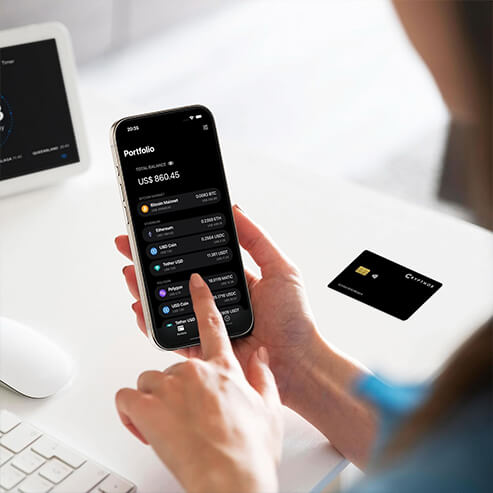
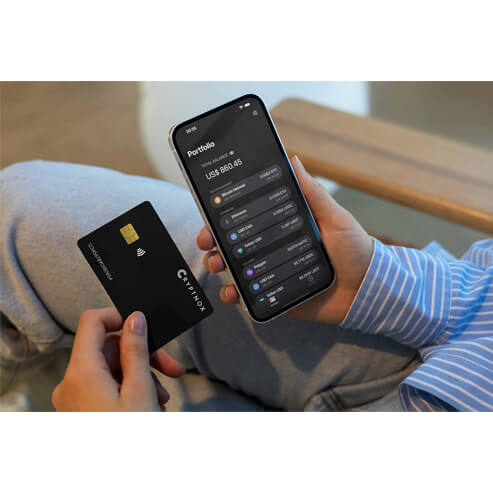
You install the free Cryptnox app on iOS or Android, connect your hardware wallet card by tapping it against your phone (NFC), and confirm transactions in the app. For desktop browsers, scan a WalletConnect QR code with the app and sign on your phone. For normal mobile use: no USB cables, no batteries, no charging. Optional Cryptnox readers are available for desktop workflows.
Three things, all from the paired dual-card ceremony that ships with every Cryptnox Dual Card Set:
Underneath, the chip is the same Common Criteria EAL6+ class used in electronic passports and national ID cards — a high-assurance secure element with Common Criteria EAL6+ certification. The difference is what Cryptnox does around that chip: it removes the seed-phrase ritual entirely and replaces it with a pair of physical cards that share a never-displayed seed.
For the step-by-step procedure, see the Dual Card setup tutorial.
Yes — both wallet cards in the Dual Card Set are dual-tech. Each runs the same FIDO2 2.1 stack as the standalone Cryptnox FIDO2 (non-MIFARE) cards, so either can be registered with any service that supports FIDO2 / WebAuthn as a 2FA or MFA security key, and as a passwordless authenticator on the services that support FIDO2 passwordless (Microsoft Entra, Google, login.gov, AGOV, etc.). This is an accessory feature; the card's primary role is crypto cold storage. If your primary need is MFA / passwordless login rather than crypto custody, consider the standalone Cryptnox FIDO2 cards instead — they’re optimized for that role.
Yes. Your funds do not depend on Cryptnox-the-company continuing to ship a mobile app. The card runs standard cryptographic primitives (SLIP-0010 / BIP32 hierarchical key derivation with secp256k1 and secp256R1 / NIST P-256 signing) on a Common Criteria EAL6+ secure element and speaks over standard ISO 7816 contact / ISO 14443 NFC interfaces. There are several escape paths:
The CLI accepts either the card PIN, or a hardware-backed user public key (RSA 2048 or P-256 / NIST) that you have loaded onto the card. With key-based auth, the CLI signs a challenge from the card using a private key held in a Windows TPM (via Windows Hello) or a YubiKey PIV slot (cross-platform: macOS, Windows, and Linux) — no PIN typed on the desktop, two physical factors required for signing.
Between the open-source codebase, the standard cryptography, and (optionally) your own seed phrase, your funds are not locked to a single vendor. The Access Card you receive in the box is the long-term escape hatch: keep it together with the backup card in the NFC-shielded casing and you have everything needed to recover, in any future scenario.
The Hardware Wallet ships with two applets on the same secure-element chip:
So yes, the Hardware Wallet doubles as a FIDO Certified FIDO2 / WebAuthn security key for logging into Google, Microsoft, GitHub, login.gov, AGOV, SwissID, and any service supporting external FIDO2 keys.
Three layers of certification:
The Hardware Wallet applet uses two curves:
Both curves are accelerated on the chip’s ECC coprocessor. The bundled Cryptnox FIDO2 applet additionally uses only NIST P-256 (per the FIDO2 spec).