Cryptnox SA
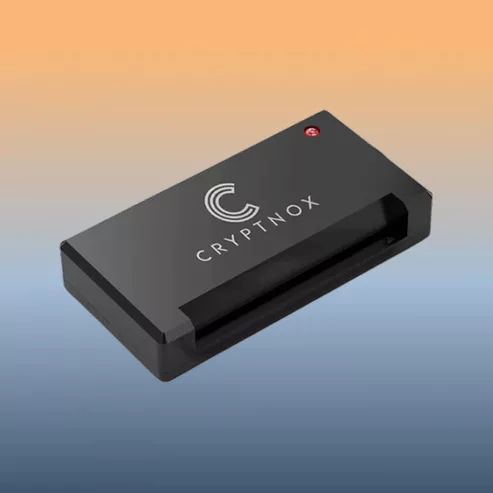
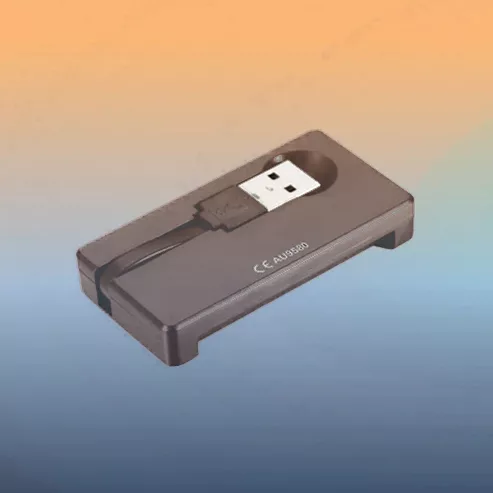
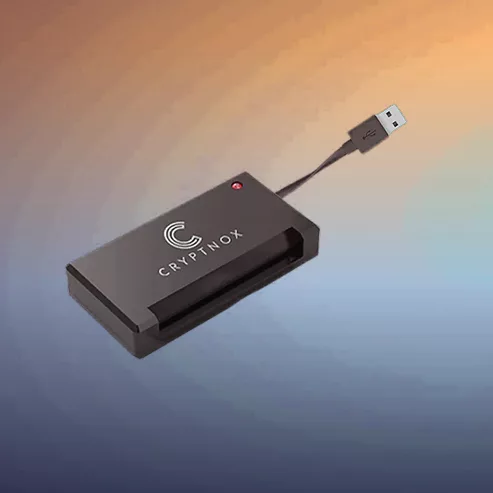
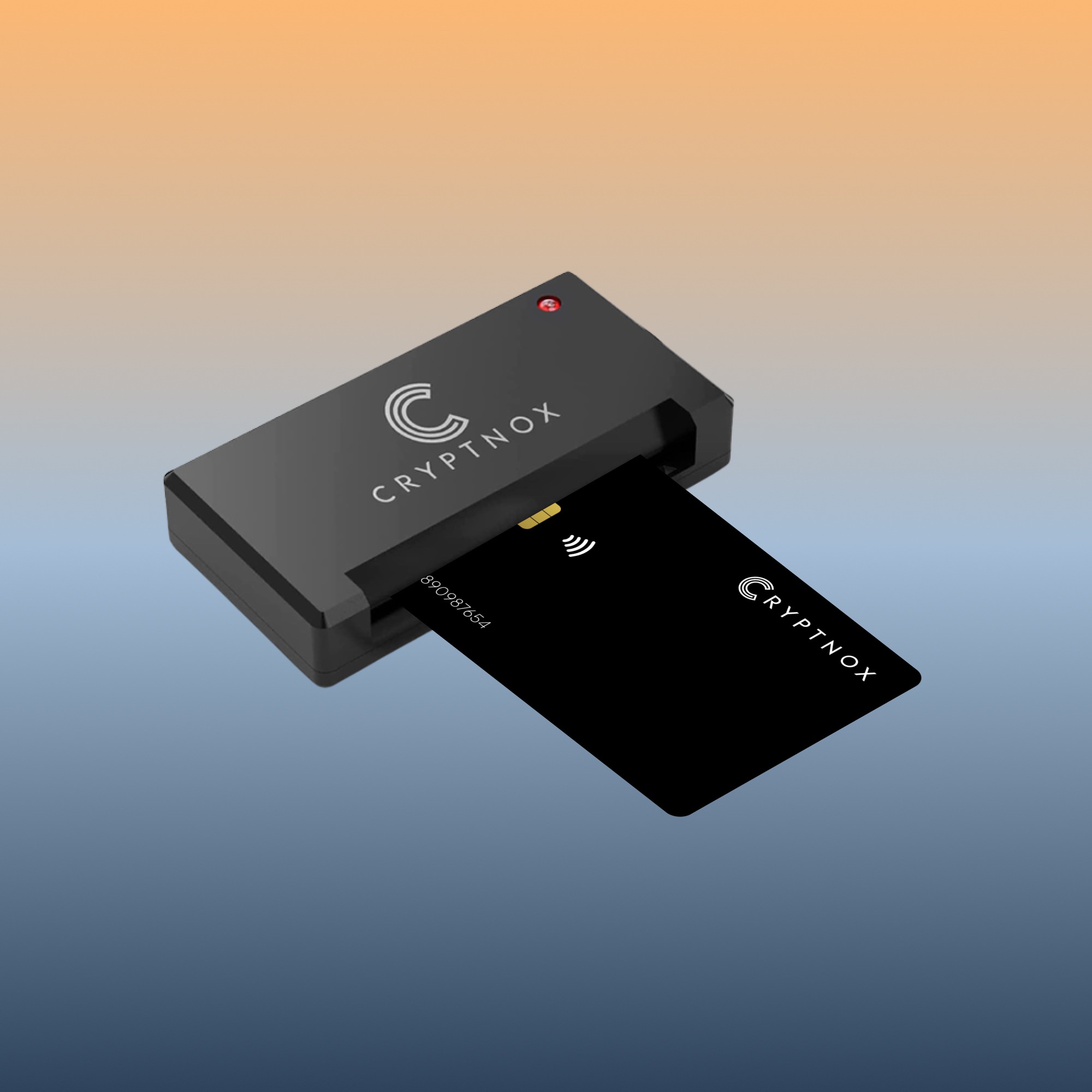
The Cryptnox USB-A smart card reader is a compact, standards-based reader for FIDO2 security cards, government eID (German Personalausweis, Spanish DNIe, Italian CIE, Belgian eID, Estonian eID), U.S. PIV cards, U.S. DoD Common Access Cards (CAC), and any standard ISO 7816 contact smart card. Plug-and-play on Windows, macOS, and Linux.
CHF 17.74
Tax included. Shipping calculated at checkout.
The Cryptnox CAC reader is a compact USB-A smart card reader purpose-built for the U.S. Department of Defense Common Access Card (CAC), federal PIV cards, and FIDO2 contact-interface security cards. Pocket-sized and plug-and-play on Windows, macOS, and Linux, this CAC reader follows the same ISO 7816 + USB CCID + PC/SC 2.0 standards the entire Common Access Card infrastructure is built on — no Cryptnox-specific drivers required.
In practical terms, yes. A Common Access Card is a standard ISO 7816 contact smart card with PKI certificates loaded onto it. Any USB CCID-compliant smart card reader can read a Common Access Card — whether it’s marketed as a “CAC reader,” a “PIV reader,” or simply a “USB smart card reader.” The Cryptnox CAC reader is a standards-based reader optimized for CAC, PIV, and FIDO2 workflows on the most common DoD and federal-civilian software stacks. That said, not every USB smart card reader on the market handles every operating system smoothly — Cryptnox is built on the same Swiss-engineered firmware as our FIDO2 cards, with a documented driver-free install path on Windows, macOS, and Linux.
For NFC contactless workflows (FIDO2 over NFC, MIFARE access badges), see the Cryptnox NFC Contactless Reader. For USB-C native with full-size + SIM dual-slot support, see the Cryptnox Smartcard Reader. To pair this Common Access Card reader with a Cryptnox FIDO2 security card for combined CAC + FIDO2 authentication, browse our FIDO2 lineup.
For setup walkthroughs and reader configuration guides, browse our card reader tutorials hub.
Whether you’re a service member, DoD civilian employee, federal contractor, or anyone needing a reliable Common Access Card reader for daily desktop login, this compact reader handles every standard contact smart card:
The Cryptnox CAC reader is a standard USB CCID class device — every modern operating system recognizes it via its built-in smart card stack:
pcscd + libccid + opensc packages (one-time install)Yes — it’s designed for U.S. Department of Defense Common Access Card (CAC) use, plus Personal Identity Verification (PIV) and Common Identity Verification (CIV) cards. It follows the same standards CAC infrastructure is built on: USB CCID, PC/SC 2.0, and ISO 7816. That means it works with DoD PKI, military email (Outlook/OWA with CAC), and any DoD website that requires CAC-based login, using the built-in smart card stack on Windows, Mac, and Linux — no Cryptnox-specific driver needed.
pcscd + CCID + OpenSC). These packages aren’t preinstalled on most distributions — install them first:sudo apt install pcscd libccid opensc pcsc-toolssudo dnf install pcsc-lite pcsc-lite-ccid opensc pcsc-toolssudo pacman -S pcsclite ccid opensc pcsc-toolsMost “CAC reader not working” issues are software, not hardware: (1) ensure you have DoD CA certificates installed (run MilitaryCAC’s installer on Windows, or download from PKI repository); (2) on Mac, install the smart card services for Military CAC from MilitaryCAC.com; (3) restart the smart card service (services.msc on Windows, sudo systemctl restart pcscd on Linux); (4) try the card in the contact slot facing up, gold chip first; (5) test with another CAC to isolate the card vs reader. If the reader itself is not detected as a USB device, try a different USB port and cable.
Yes — all are ISO 7816 contact smart cards and communicate with the reader via the same standardized protocol. The reader is just the hardware bridge; each card type also requires its own middleware or application on your computer to authenticate against the target system:
opensc-pkcs11 on Linux).The reader itself is standards-compliant and stays out of the way — no Cryptnox-specific driver or middleware is required.
Any CAC-enabled service that uses the standard Windows / Mac / Linux smart card stack will work with this reader — the hardware side stays out of the way. Common use cases include:
On the software side you’ll need the DoD root CA bundle installed and, for full feature support on Windows/Mac, the ActivClient or MilitaryCAC installer. The reader itself needs no additional Cryptnox-specific software.