Cryptnox SA
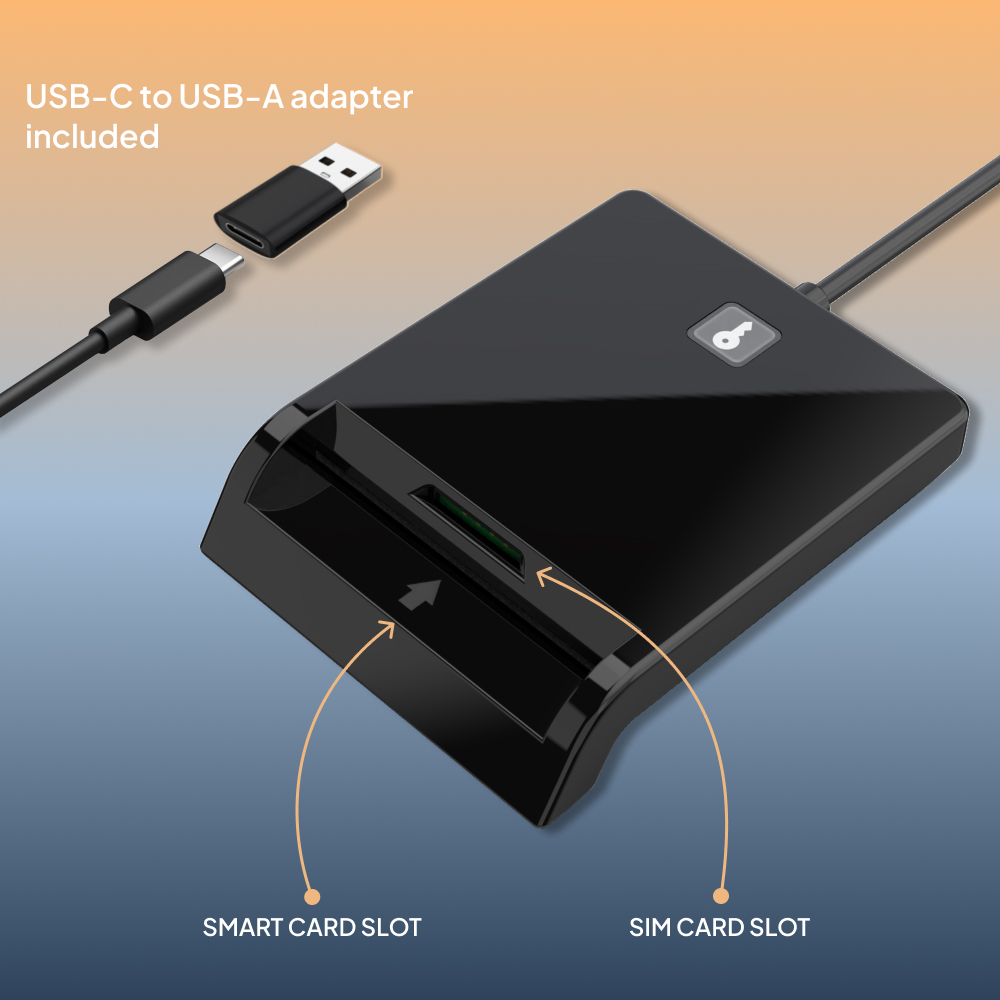
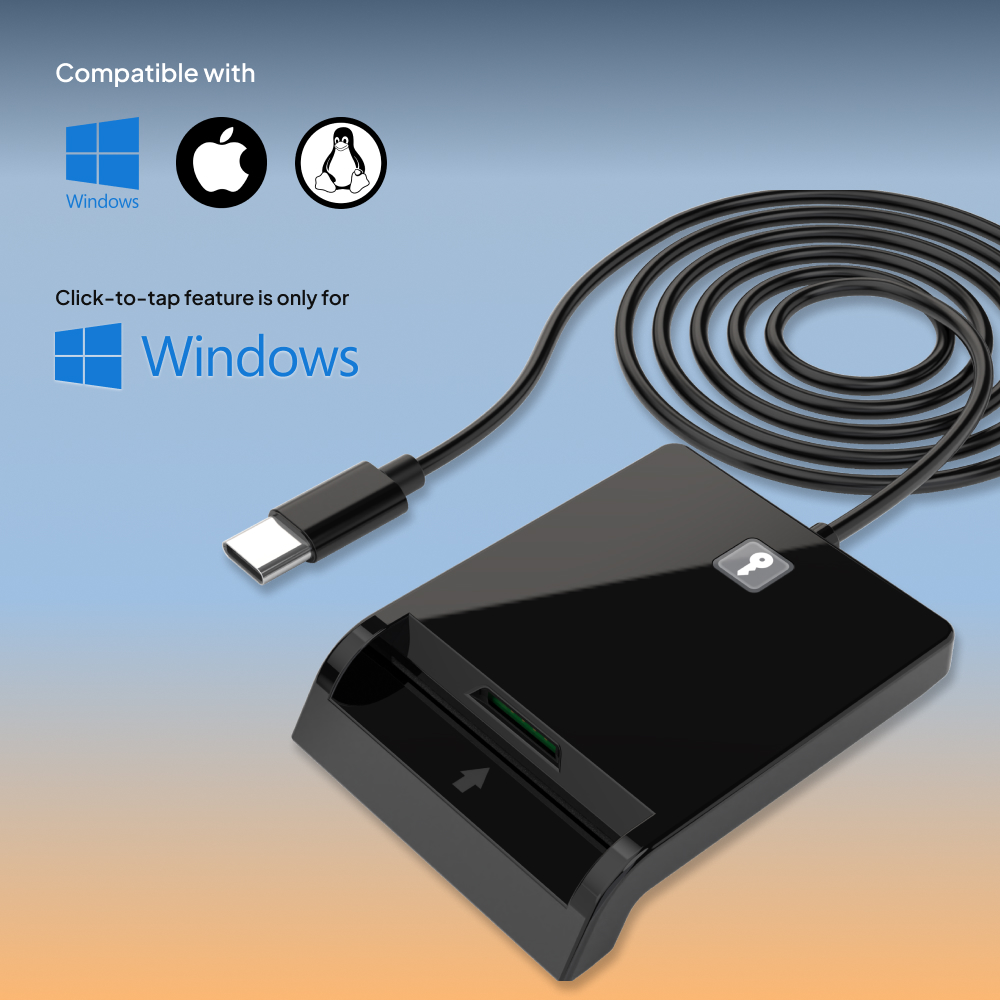
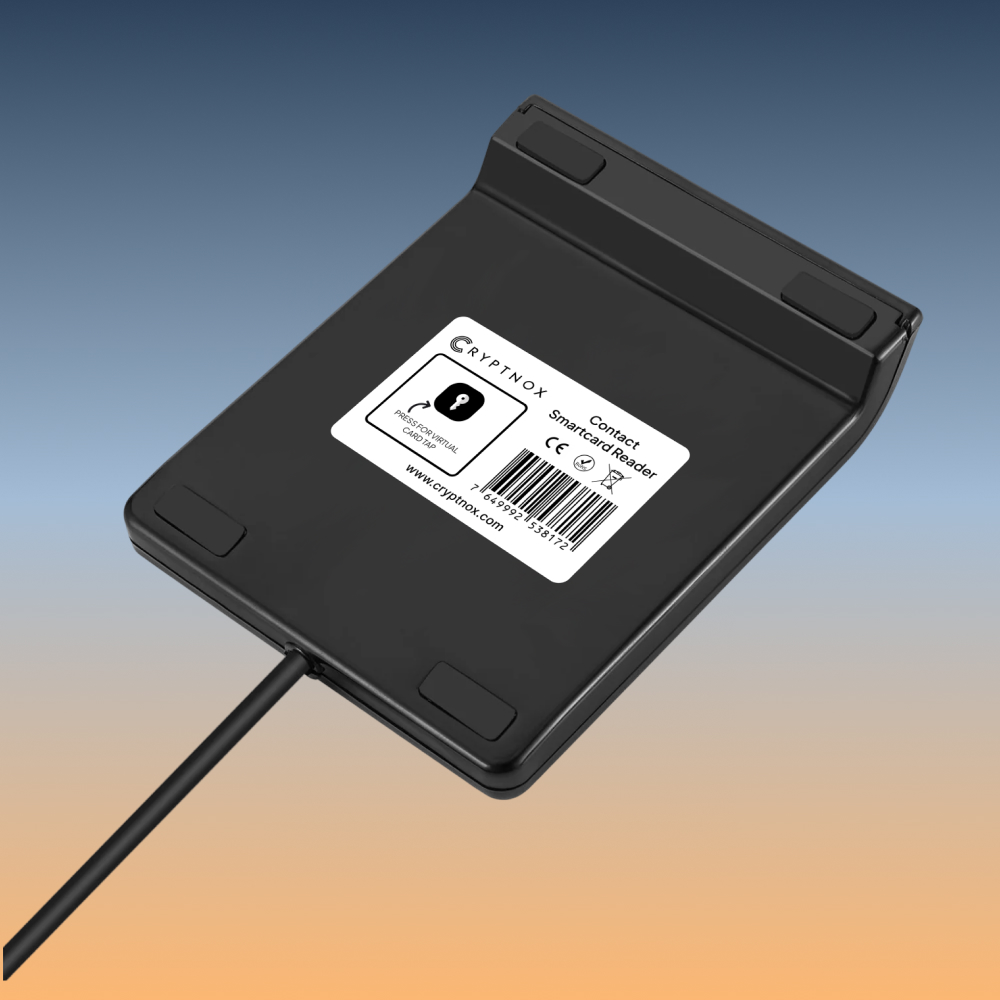
The Cryptnox Click-to-Tap reader is a USB-C dual-slot contact smart card reader (USB-C-to-USB-A adapter cable included) for FIDO2 cards, eID, PIV, and any ISO 7816 contact smart card. The signature Click-to-Tap virtual button — a dedicated hardware button that simulates card extraction/reinsertion to eliminate physical card-pull on every FIDO2 sign-in — works only on Windows and only with Cryptnox FIDO2 smart cards (macOS / Linux support: not yet). The reader itself is plug-and-play on Windows, macOS, Linux, and ChromeOS via each OS’s native PC/SC stack.
ORDERS TO THE EU SHIP DIRECTLY FROM THE EU – NO IMPORT DUTIES
€ 14.90
Tax included. Shipping calculated at checkout.
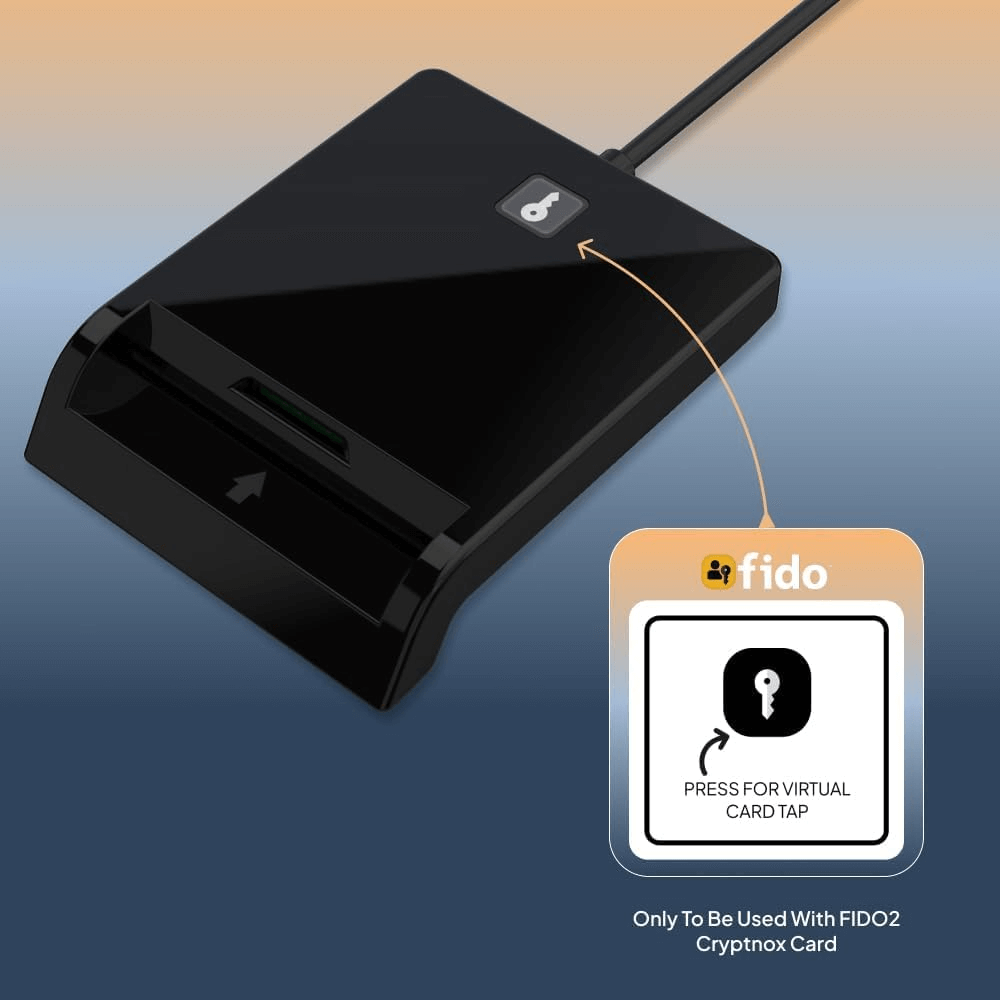
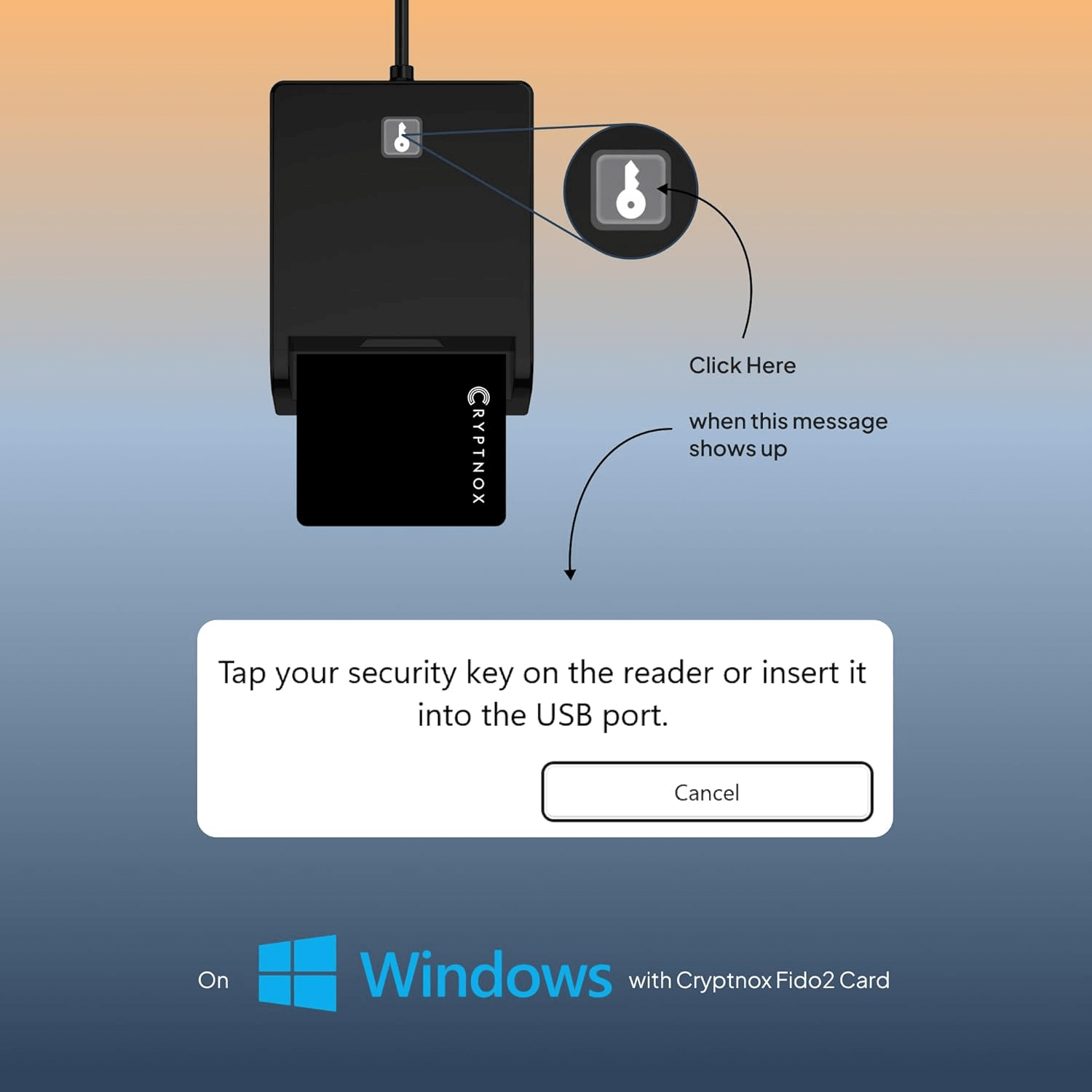
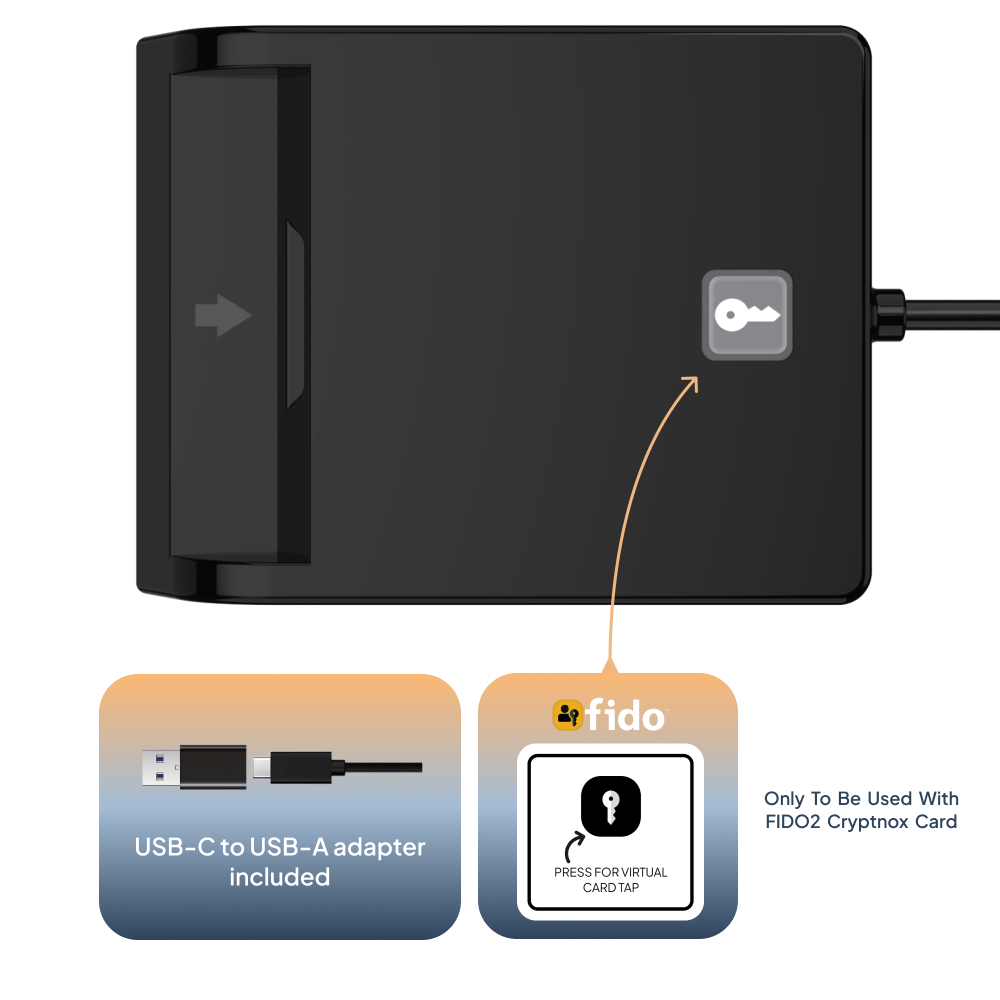
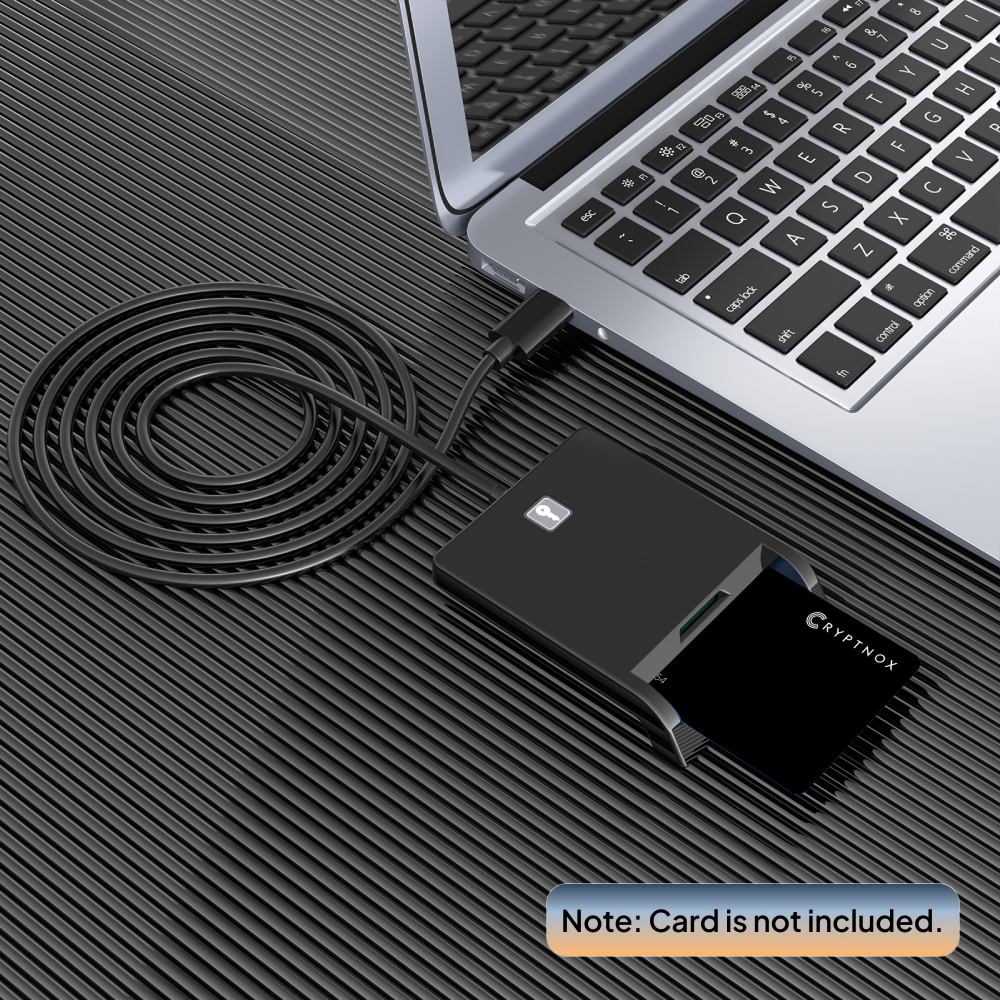
The Cryptnox Smartcard Reader is a USB-C dual-slot contact smart card reader purpose-built for FIDO2 contact-card workflows on Windows, macOS, and Linux. Its standout feature is a dedicated “tap” button on the reader body that electronically simulates card extraction and reinsertion (Windows + Cryptnox FIDO2 cards only) — when a FIDO2 service prompts you to “tap your security key,” press the button instead of physically pulling the card out — see our click-to-tap tutorial for the full FIDO2 sign-in workflow. A second slot accepts SIM-format cards for development and embedded-security workflows.
Most users only need the full-size slot. The SIM slot is useful for developers, telco engineers, and anyone working on small-form-factor smart card chips.
FIDO2 contact-mode sign-in normally requires you to physically remove and reinsert the card every time a service prompts you to “tap your security key.” The Cryptnox Smartcard Reader’s hardware tap button electronically simulates that extraction-and-reinsertion event — press the button when prompted, the card stays seated in the slot, and FIDO2 sign-in completes in a fraction of the time. Click-to-Tap virtual button works only on Windows and only with Cryptnox FIDO2 smart cards; on macOS / Linux the reader functions as a standard PC/SC contact card reader for any ISO 7816 card. macOS / Linux support for the Click-to-Tap button: not yet.
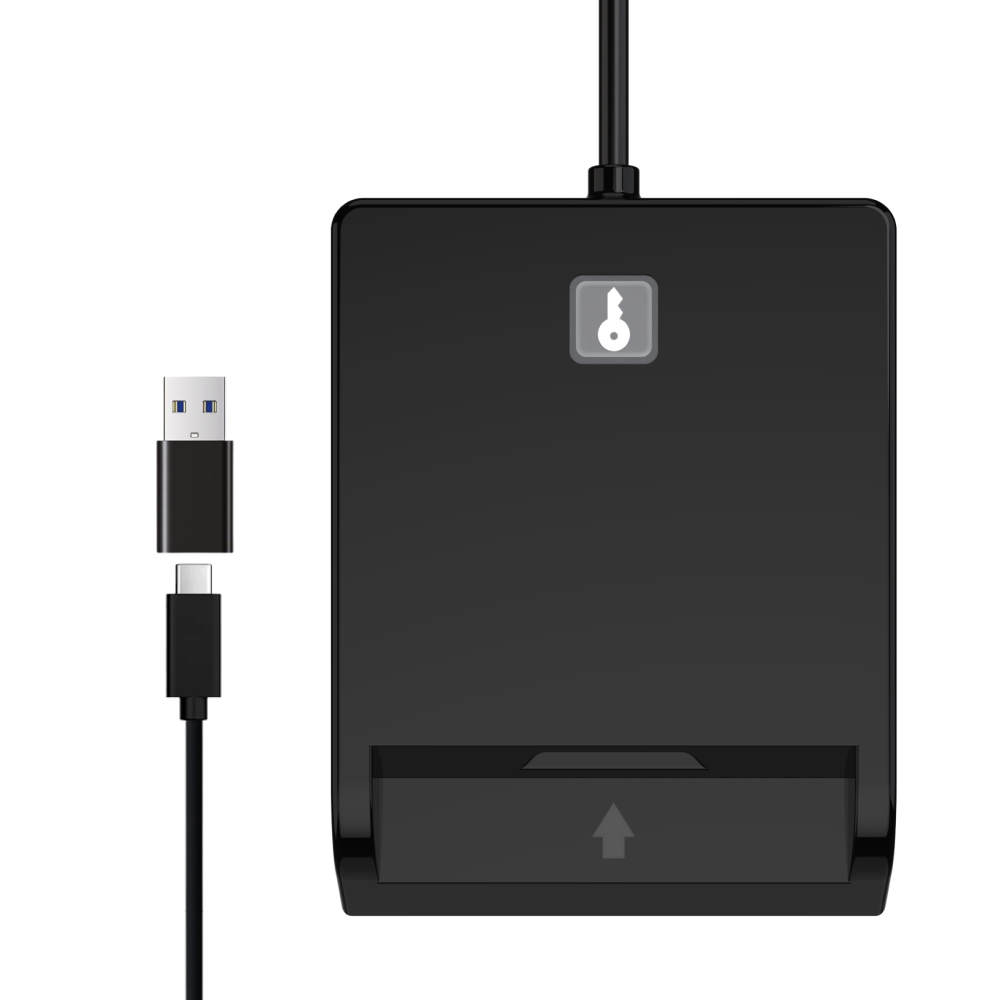
The reader connects via USB-C — modern laptops, USB-C iPad, and USB-C docking stations. A USB-C to USB-A adapter is included for compatibility with older computers. USB CCID class-compliant, so no Cryptnox-specific drivers required on Windows / macOS / Linux.
A smartcard reader is a USB device that bridges a contact smart card to your computer, so software like Windows Sign-in, FIDO2 browsers, banking apps, and PKI middleware can talk to the chip. Without a reader, a contact-interface smart card can only be used through a phone’s NFC field — and not all chips support NFC. The Cryptnox Smartcard Reader uses the standard ISO 7816 + USB CCID + PC/SC 2.0 interface that every modern OS supports natively.
For setup walkthroughs and configuration guides, browse our card reader tutorials hub.
FIDO2 sign-in via a contact reader normally requires you to physically remove and reinsert the card every time the service asks you to “tap your security key.” That’s annoying for users who sign in dozens of times per day on services like Microsoft Entra ID or Google Workspace.
The Cryptnox Smartcard Reader has a dedicated tap button on the reader body that electronically simulates card extraction and reinsertion. Press the button when prompted and the card stays in the slot. Tap button works on Windows only; on macOS / Linux, the reader functions as a standard CCID device.
pcscd + libccid + opensc packages once and the reader is ready. Reader functions as a standard CCID device.Connects via USB-C to modern laptops, USB-C iPad, and USB-C docking stations. A USB-C to USB-A adapter is included in the box for older USB-A-only computers.
If you have a Cryptnox FIDO2 card and want to use it from a desktop browser without NFC, the Cryptnox Smartcard Reader is the recommended choice on Windows because of the tap button. For macOS / Linux desktop FIDO2 users, the reader still works (without tap button), or pair with the Cryptnox NFC Reader for NFC-based FIDO2 sign-in instead.
USB-C dual-slot CCID smart card reader. Driverless on Windows, macOS, Linux, ChromeOS. ISO 7816 contact, FIDO2-ready. USB-C-to-USB-A adapter cable included. 2-year warranty.
| USB connector | USB-C — USB-C-to-USB-A adapter cable included in the box |
|---|---|
| USB version & speed | USB 2.0 Full Speed (12 Mbps), USB-IF certified |
| USB device class | USB CCID (Chip Card Interface Device) — driverless on Windows, macOS, Linux, ChromeOS |
| Operating-system support | Windows 10 / 11, macOS, Linux, ChromeOS — uses each OS’s native PC/SC stack, no driver install required |
| Microsoft WHQL | Yes — controller is WHQL-certified for Smart Card Reader requirements |
| Card standard | ISO/IEC 7816 contact smart cards |
|---|---|
| Card classes | Class A (5 V), Class B (3 V), Class C (1.8 V) — all three voltages |
| Transmission protocols | T=0 and T=1 |
| APDU support | Short APDU and Extended APDU (FIDO2 attestation, RSA-2048 signing, large secure-channel payloads) |
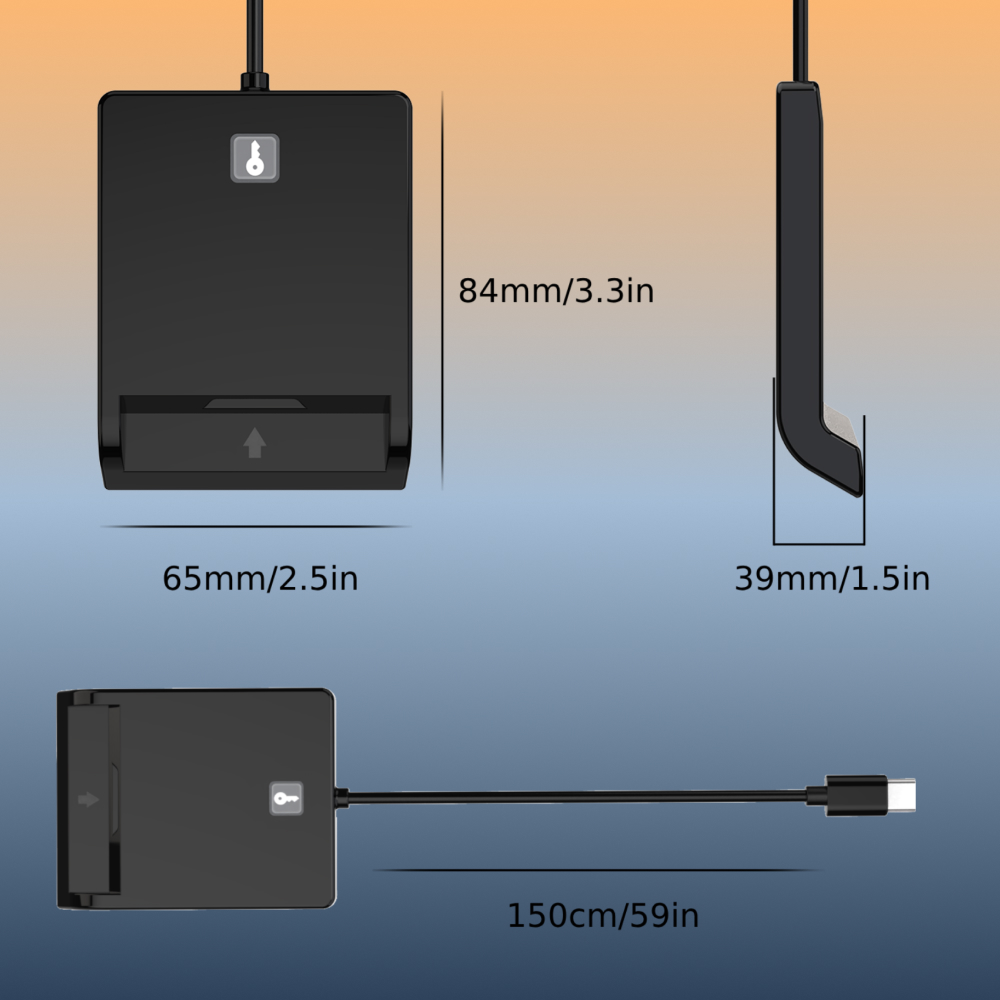
| Card slots | 1 × full-size ISO 7816 contact slot + 1 × SIM-format slot (2FF / 3FF / 4FF) |
| EMV compliance | EMV-compliant chip-card reader (chip-level) |
| Click-to-Tap virtual button | Yes — Windows-only, Cryptnox-FIDO2-only (setup tutorial) |
|---|---|
| FIDO2 / WebAuthn | Yes — works as a contact FIDO2 reader for Cryptnox FIDO2 smart cards |
| PC/SC stack | PC/SC 2.0 (Windows WinSCard, macOS CryptoTokenKit, Linux pcsc-lite) |
| API support | PC/SC, CT-API, WINSCARD, PKCS#11-compatible middleware |
| Typical applications | FIDO2 / WebAuthn, EMV chip payments, eID / national ID (Personalausweis, DNIe, CIE, Belgian eID, Estonian eID), U.S. PIV, U.S. DoD CAC, PKI authentication, electronic signature |
| Card power output | 5 V DC, 500 mA max with hardware over-current cut-off |
|---|---|
| Reader power draw | ≈33 mA idle / ≈41 mA reading / 380 µA suspended |
| USB power management | USB selective suspend, USB LPM (Link Power Management), remote wake on card insert / remove |
| Operating temperature | 0 °C – 85 °C (controller TOPR) |
| Country of origin | Made in China |
|---|---|
| In the box | Click-to-Tap reader (USB-C), USB-C-to-USB-A adapter cable |
| Warranty | 2 years |
| CE — EMC | Certificate of Compliance BSTXD210115976601EC. EMC Directive 2014/30/EU; standards EN 55032, EN 55035, EN 61000-3-2, EN 61000-3-3. Test report BSTXD210115976601ER. |
|---|---|
| FCC | Supplier’s Declaration of Conformity (SDoC) under FCC Part 15 Class B. Test report BSTXD210115976602ER. SDoC is the FCC self-certification framework for unintentional radiators — it is not a granted FCC ID. Granted FCC IDs are reserved for intentional radiators (transmitters); a passive contact card reader does not require one. |
| RoHS | Certificate of Compliance BST210115976601CC. RoHS 2 Directive 2011/65/EU as amended by EU 2015/863 + EU 2017/2102 (full 10-substance restriction list). |
A smart card reader is a USB device that bridges a contact smart card to your computer, so software like Windows Sign-in, FIDO2 browsers, banking apps, and PKI middleware can talk to the chip. Without a reader, a contact-interface smart card can only be used through a phone’s NFC field — and not all chips support NFC. With this reader plugged in via USB-C, you can use:
The reader is the standard ISO 7816 + CCID interface that every modern OS understands — no Cryptnox-specific software is required for it to work.
Cryptnox makes two USB-C readers, each for a different physical interface:
Compared to other CCID readers (Identiv SCR3310, HID OMNIKEY 3121, Broadcom 5880, etc.): all are USB CCID class-compliant, so standard PC/SC software works across them. The Cryptnox reader is differentiated by the FIDO2-specific tap button, the dual-slot (full-size + SIM-size) design, and the USB-C connector — most competitors are single-slot USB-A only and have no tap button, forcing the user to physically remove and reinsert the card on every FIDO2 prompt.
Decision rule: – FIDO2 contact cards on a desktop with frequent tap prompts → this reader (tap button is the key feature) – Contactless / NFC cards → NFC Contactless Reader – Need both → buy one of each
The reader handles both standard ISO 7816 card form factors:
Most users only need the full-size slot for daily card use. The SIM slot is most useful for developers, telco engineers, embedded-security work, and anyone building or testing applets on small-form-factor smart card chips. Both slots use the same ISO 7816 contact protocol — your software (PC/SC, OpenSC, vendor middleware) sees them as separate logical readers, and you can use both at the same time.
Yes — the reader is USB CCID class-compliant, so it uses the OS’s built-in smart card stack rather than any Cryptnox-specific driver:
pcscd, libccid, and pcsc-tools are not preinstalled on most distributions, so install them first:sudo apt install pcscd libccid pcsc-toolssudo dnf install pcsc-lite pcsc-lite-ccid pcsc-toolssudo pacman -S pcsclite ccid pcsc-toolsOnce installed, pcsc_scan should detect the reader immediately. If you’re seeing “Broadcom USBCCID Smartcard Reader (WUDF)” or “Microsoft USBCCID Smartcard Reader (WUDF)” in Windows Device Manager — that’s the standard generic CCID driver, exactly the right driver. No third-party software download is required.
Any contact smart card following the ISO 7816 standard fits one of the two slots and works through the OS’s built-in smart card stack:
Cryptnox cards (designed pair): – Cryptnox FIDO2 security cards (full-size slot) – Cryptnox FIDO2 + MIFARE DESFire cards (full-size slot, contact interface) – Cryptnox hardware wallet cards (full-size slot) – Cryptnox SIM-format development cards (SIM slot)
Government & PKI: – U.S. CAC, PIV, CIV cards (full-size slot) – European eID — German Personalausweis, Spanish DNIe, Italian CIE, Belgian eID, Estonian eID (full-size slot) – Swiss SuisseID / SwissPass smart cards (full-size slot)
Enterprise & developer: – Corporate PKI smart cards (HID, ActivIdentity, Gemalto, etc.) – OpenPGP smart cards (over contact) – JavaCard development cards (full-size or SIM slot depending on form factor) – Banking smart cards (chip-and-PIN, contact interface)
Telco / embedded: – Mobile network operator SIMs for engineering use (SIM slot) – M2M / IoT identity SIMs (SIM slot)
Each card needs the right software on your computer to actually authenticate (DoD CA bundle for CAC, AusweisApp2 for Personalausweis, GnuPG for OpenPGP, etc.). The reader itself is universally compatible — the software stack varies per card.