Cryptnox SA
EAN: 7649992538141
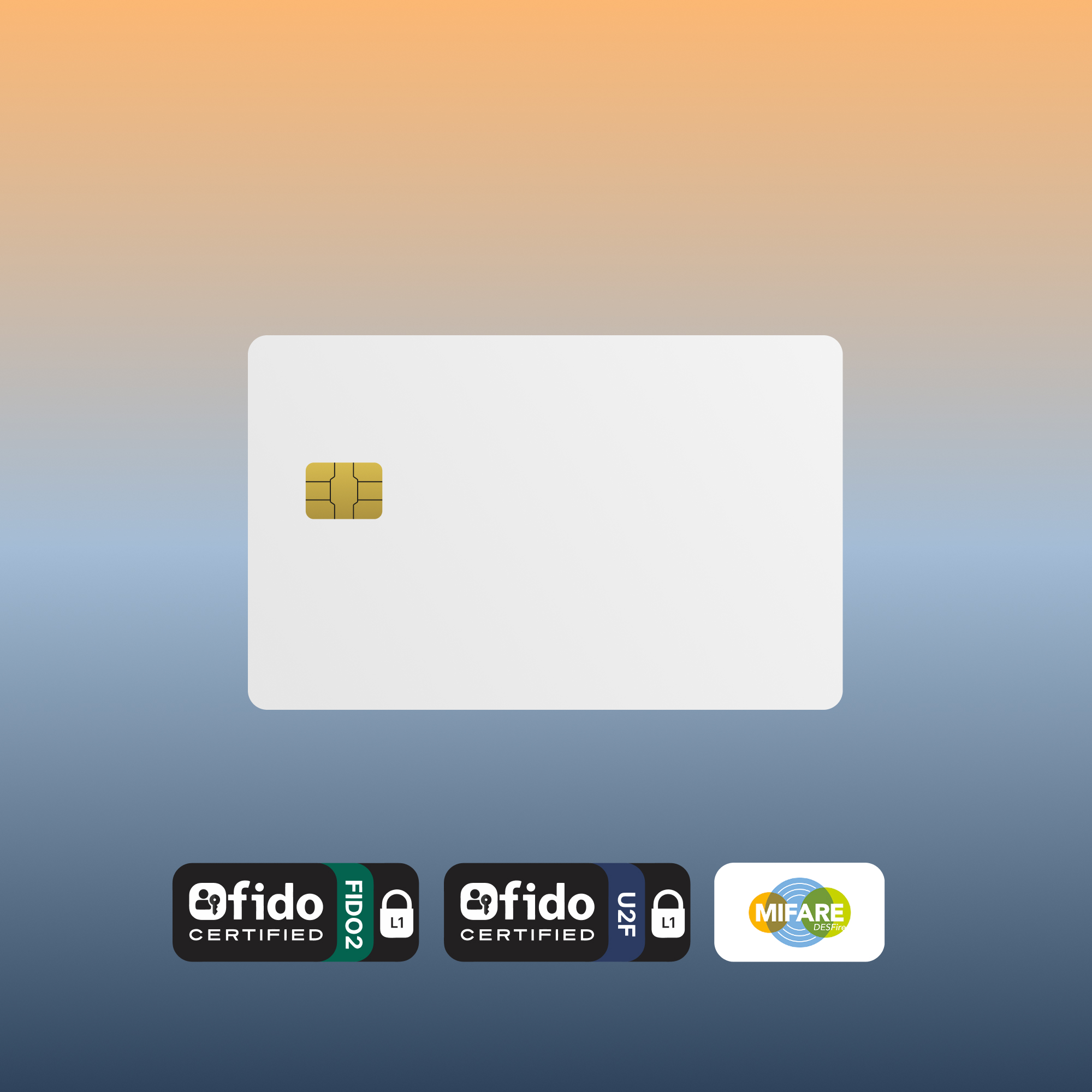
The Cryptnox FIDO2 + MIFARE White PVC card is the customizable variant of our flagship dual-application security card — a Swiss-engineered NFC smart card combining FIDO2 authentication and MIFARE DESFire EV2 physical access control on a blank PVC face ready for in-house printing. FIDO Alliance Certified (FIDO2 v2.1 + CTAP Level 1). Print employee photos, company branding, or department names on each card.
CHF 36.41
Tax included. Shipping calculated at checkout.
Customer rating: ★★★★☆ 4.2 / 5 — based on 290 Amazon customer reviews. Read on Amazon.
The Cryptnox FIDO2 + MIFARE White PVC card is the customizable variant of our flagship dual-application security card — a Swiss-engineered NFC smart card that combines FIDO2 web authentication and MIFARE DESFire EV2 physical access control on a blank PVC face ready for in-house printing. FIDO Alliance Certified (FIDO2 v2.1 and CTAP Level 1), it’s used primarily as a hardware 2FA / MFA second factor for digital sign-in plus a building-access badge — all on one printable, employee-personalizable card.
The face of this card ships blank — ready for any standard PVC ID card printer (Zebra, Evolis, Fargo, Magicard, Matica). Print your company logo, employee photo, name, department, QR code, or any combination on each card. Inside, every card carries the same Swiss-engineered FIDO2 + MIFARE DESFire EV2 chip as our Cryptnox-branded variant. Typical buyers:
The card supports both NFC and contact (ISO 7816) interfaces. For FIDO2 authentication, tap on supported phones: iPhone 7+ on iOS 13.3+ supports FIDO2 over NFC; Android external NFC keys are mainly supported as CTAP1 / U2F second-factor authenticators (not full FIDO2 / passwordless). MIFARE access depends on the target access-control reader and the encoding programmed onto the card. On desktop, use a contactless reader or a contact reader. For Windows desktop users on the contact interface, the Cryptnox dual-slot Smartcard Reader features a dedicated “tap” button that electronically simulates card extraction and reinsertion (Windows only) — press the button when a FIDO2 service prompts you to tap. See our click-to-tap tutorial for the full FIDO2 sign-in workflow.
Each card carries a single secure-element chip running two independent firmware applications: a FIDO2 applet for web sign-in (FIDO Alliance Certified) and a MIFARE DESFire EV2 applet for physical access. The two applets are logically firewalled inside the chip — each uses its own keys and memory space, so a compromise of one cannot reach the other. FIDO credentials are managed through the user’s online services or identity provider; DESFire applications and AES keys are managed through the access-control system or integrator. The two domains never share keys or memory. The MIFARE side ships with NXP factory default keys; your facilities team or access integrator encodes them with your organization’s diversified AES keys before deployment.
The blank White PVC surface is dimensioned to standard CR80 ID card printer specs. You can:
Most local ID badge services or corporate ID-print departments can run a small batch of cards if you don’t have an in-house printer.
The MIFARE side is designed for standard, plain-vanilla DESFire EV2 deployments with open AES key programmability. Compatibility with proprietary access-control ecosystems is not universal — test a sample card end-to-end with your readers, access-control software, key diversification, and application / file structure before bulk rollout. Some proprietary systems only accept cards with vendor-specific overlays.
For deployments above a few cards, see the 25-pack. For volumes of 500+ or pre-printed batches (1,000+ cards), get in touch via our contact form.
For setup walkthroughs, integration guides, and service-specific tutorials (Google, Microsoft, Apple, GitHub, Bank of America, login.gov, AGOV, SwissID), browse our FIDO2 tutorials hub.
EAN: 7649992538141
Chip platform certifications (NXP JCOP 4 on P71D321):
Applet certifications:
Supported elliptic curve (FIDO2 applet):
A basic FIDO2 key handles digital login only — 2FA and passwordless sign-in. This card adds a second function on the same credential: a single secure-element chip runs two independent firmware applications — a FIDO2 applet for web authentication (Google, Microsoft, Apple, Facebook, GitHub, Dropbox, Bank of America) and a MIFARE DESFire EV2 applet for physical access control (office doors, elevators, printers, time-clocks). One card in your wallet covers both your digital identity and your physical building access. The two applications are logically firewalled inside the chip — each uses its own keys and memory space, so a compromise of one cannot reach the other.
Both are FIDO2-certified and support NFC. Key differences: (1) form factor — our card fits in a wallet cardholder slot, the YubiKey is a keychain dongle; (2) the Cryptnox card adds a MIFARE DESFire EV2 applet on the same secure-element chip for physical access control, which YubiKey doesn’t offer; (3) the Cryptnox card face is blank white PVC (can be customized with a logo or identifier if your organization uses card printers), while YubiKey is fixed-branding. If you only need web 2FA, either works — if you also need physical access control on the same credential, this card combines the two.
MIFARE DESFire EV2 is a widely-used enterprise contactless credential standard, and our cards are plain-vanilla DESFire chips with open AES key programmability. Compatibility is not universal: many readers accept standard DESFire cards once encoded with the right AES keys and application structure, but some access control systems are configured to only accept cards issued by specific vendors with proprietary overlays. We recommend testing a single card end-to-end with your specific reader + access control software before any larger rollout — or ask your systems integrator whether your stack allows third-party DESFire cards.
For each account (Google, Microsoft, Apple, GitHub, etc.), go to Security settings → Security keys / Passkeys → delete the entry labeled with this card’s registration. The keys stored on-card are per-service, so removing the registration at the service side is sufficient — the private keys never leave the card. For MIFARE DESFire access control, revoke the card record or DESFire application credential in your access-control system according to your integrator’s process — do not rely on UID-only access control unless your system explicitly requires it. Reissuing a card requires your facilities team or integrator to reset / re-encode the DESFire application and keys; IT should remove or reset the FIDO registrations according to the supported Cryptnox reset workflow (PIN change, factory reset, and resident-key management are available through the Cryptnox FIDO2 app).
Any service that supports FIDO2, WebAuthn, or legacy U2F — which is now the vast majority of major online platforms:
If the service supports FIDO2 / WebAuthn or legacy U2F security keys, this card is generally suitable, but actual behavior depends on the service, operating system, browser, NFC / contact reader path, and whether the service permits CTAP1 / U2F fallback. Test your target workflow before production deployment. Registration is done by tapping the card on your phone’s NFC area or placing it on a contactless reader connected to your computer.
OS and browser compatibility: iOS supports FIDO2 over NFC on iPhone 7 and newer running iOS 13.3 or later. Android currently supports only CTAP1 / U2F (FIDO1) for external NFC keys — not FIDO2 / CTAP2. Most major services maintain CTAP1 backward compatibility, so the card works as a U2F second-factor authenticator on Android, but the feature set is reduced and CTAP1 implementations vary. macOS FIDO2-over-NFC support varies by version and browser. Linux browsers expect FIDO2 authenticators on a HID interface — use the Cryptnox FIDO2 HID bridge to present the card to the browser as an HID-FIDO device. Windows 10/11 has full FIDO2 support across all major browsers. Always test with your specific OS + browser + service before committing to a production deployment.
The Cryptnox FIDO2 applet itself is FIDO Alliance Certified (FIDO2 v2.1 + CTAP Level 1). The underlying secure-element platform on this product (NXP JCOP 4 on P71D321) is FIPS 140-2 Overall Level 3 validated with Physical Security at Level 4 — NIST CMVP certificate #3746. This is the chip-platform certification; the FIDO2 applet does not carry a separate FIPS 140 certification.
The underlying NXP secure-element platform (JCOP 4 on P71D321) is Common Criteria EAL 6+ augmented certified under the Netherlands scheme (NSCIB-CC-180212_3). EAL 6+ is the second-highest assurance level on the CC ladder, used by passport and high-security ID issuers. The Cryptnox FIDO2 applet runs on top of this certified platform.
The Cryptnox FIDO2 applet performs all cryptographic signing on NIST P-256 (P-256 r1), the curve mandated by the FIDO2 / WebAuthn specification. The underlying chip platform supports additional curves (Brainpool 224/256/320/384/512, NIST P-224 / P-384 / P-521, and Secp256k1) on its ECC coprocessor, but the FIDO2 applet exposes only NIST P-256 to remain spec-compliant.