Cryptnox SA
EAN: 7649992538202
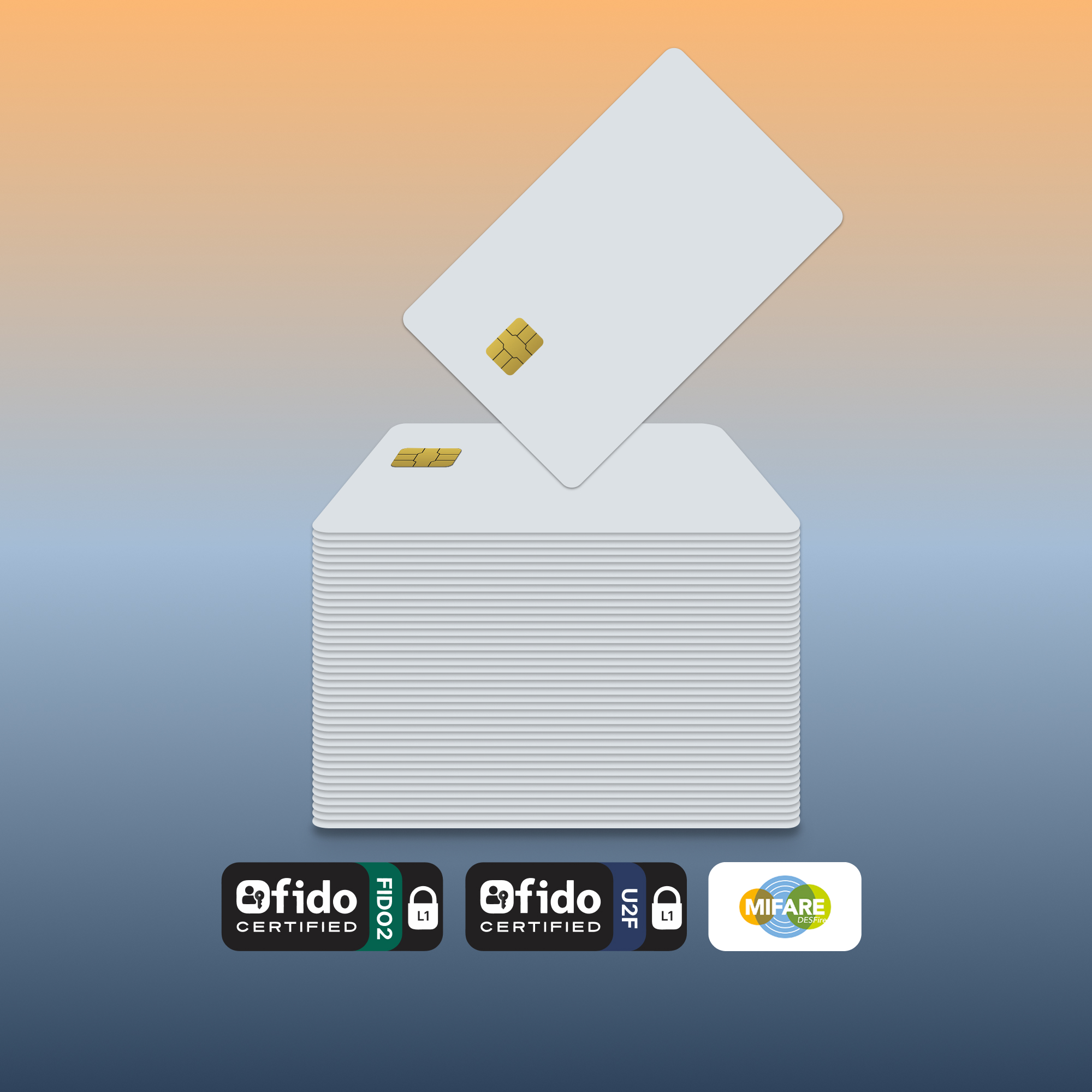
The Cryptnox FIDO2 + MIFARE 25-pack is the bulk procurement option for our flagship dual-application security card — 25 White PVC FIDO2 + MIFARE DESFire EV2 cards in one SKU, sized for enterprise rollouts. FIDO Alliance Certified (FIDO2 v2.1 + CTAP Level 1). One card per employee for both 2FA / MFA web auth and building door access. Platform note: Windows full FIDO2; iPhone 7+ / iOS 13.3+ FIDO2 over NFC; Android external NFC keys mainly CTAP1 / U2F second-factor; macOS varies by version / browser; Linux FIDO2 sign-in requires the Cryptnox FIDO2 HID bridge.
ORDERS TO THE EU SHIP DIRECTLY FROM THE EU – NO IMPORT DUTIES
€ 525.00
Tax included. Shipping calculated at checkout.
Customer rating: ★★★★☆ 4.2 / 5 — based on 287 Amazon customer reviews. Read on Amazon.
The Cryptnox FIDO2 + MIFARE 25-pack is the bulk procurement option for our flagship dual-application security card — 25 White PVC FIDO2 + MIFARE DESFire EV2 cards in one SKU, sized for enterprise rollouts. FIDO Alliance Certified (FIDO2 v2.1 and CTAP Level 1), each card combines hardware 2FA / MFA for digital sign-in with MIFARE DESFire EV2 physical access control — one credential per employee for both web auth and building access.
Most organizations issue each employee two separate credentials: a FIDO2 hardware key for computer login, plus a MIFARE badge for door access. The 25-pack consolidates both onto one card per employee:
Each card supports both NFC and contact (ISO 7816) interfaces. Employees tap on supported phones or NFC readers for FIDO2 sign-in (iPhone 7+ / iOS 13.3+ for FIDO2 over NFC; Android external NFC keys mainly via CTAP1 / U2F second-factor — not full FIDO2 / passwordless). For physical access, employees tap the same card on DESFire-compatible building readers. On a desktop, they use a contactless reader or a contact reader. For Windows desktop workflows on the contact interface, the Cryptnox dual-slot Smartcard Reader features a dedicated “tap” button that simulates card extraction and reinsertion (Windows only). See the click-to-tap tutorial for the full workflow.
For enterprise quotes and custom procurement terms, reach out via our contact form.
Each card has two independent functions, so deployment runs in two parallel tracks:
Total time for a 25-card deployment: usually one afternoon for IT plus one afternoon for Facilities, assuming both teams are familiar with their respective workflows.
Each card ships with NXP factory default MIFARE DESFire keys. Your facilities team or access control integrator encodes each card with your organization’s diversified AES keys and DESFire application structure before deployment. The DESFire EV2 standard is compatible with most modern enterprise access control systems — always test a sample card with your specific reader and access control software before rolling out the full 25.
For SOC 2, NIS2, and DORA audits, document each card’s enrollment and revocation actions in the IdP and access control logs. Maintain a card-to-employee inventory log (per-card identifier, user email, enrollment date) — this becomes part of your audit evidence for the consolidated MFA + access posture.
Order one FIDO2 + MIFARE White PVC single card to test compatibility with your access control system and IdP before committing to the 25-pack.
For setup walkthroughs, integration guides, and service-specific tutorials (Google, Microsoft, Apple, GitHub, Bank of America, login.gov, AGOV, SwissID), browse our FIDO2 tutorials hub.
EAN: 7649992538202
Chip platform certifications (NXP JCOP 4 on P71D321):
Applet certifications:
Supported elliptic curve (FIDO2 applet):
Most organizations with physical offices currently issue each employee two separate credentials: a FIDO2 hardware key for computer login, and a MIFARE badge for building access. The 25-pack consolidates both onto one smart card per employee, which solves a few operational problems:
Typical buyers of the 25-pack: mid-sized offices with existing MIFARE DESFire-compatible access control; IT + Facilities consolidation projects; security-aware startups setting up office procedures from scratch.
Cryptnox ships the 25-pack with NXP factory default MIFARE DESFire keys. Encoding them with your organization’s keys and application structure is something your Facilities team or access control integrator handles in-house, using your existing card-encoding workflow.
Compatibility caveat: always test a sample card end-to-end with your specific reader and access control system before rolling out the full pack. Our cards are plain-vanilla DESFire EV2, but some proprietary access systems are configured to only accept cards with vendor-specific overlays they’ve issued themselves.
For the FIDO2 side, the cards are ready to register out of the box — no encoding or personalization required for web authentication.
Each card has two independent functions, so deployment runs in two parallel tracks — IT handles FIDO2 enrollment, Facilities handles MIFARE encoding:
IT side (FIDO2): 1. Register each card to the employee’s Entra ID / Okta / Google Workspace account (via user self-service, an admin-assisted enrollment kiosk, or Temporary Access Pass where supported — FIDO2 enrollment is an interactive ceremony and cannot be completed by scripted API or bulk pre-registration) 2. Set a PIN if your identity provider requires user verification 3. Record the card’s per-card identifier against the employee in your IT inventory
Facilities side (MIFARE DESFire): 1. Encode each card with your organization’s diversified AES keys using your existing card-encoding workstation 2. Program the DESFire application with your access control system’s AID, file layout, and UID format 3. Register the card record / DESFire application credential in your access-control system against the employee’s profile (per your integrator’s workflow; do not rely on UID-only access control unless your system explicitly uses UID as part of a DESFire credential model)
Distribution: once both tracks complete, the card is ready to hand over. Label or print the white PVC face with the employee’s identifier if needed. The employee sets their own FIDO2 PIN on first login (when a PIN is used).
Typical time for a full 25-card deployment: one afternoon for IT plus one afternoon for Facilities, assuming both teams are familiar with their respective workflows.
OS and browser compatibility (for the FIDO2 side): iOS supports FIDO2 over NFC on iPhone 7 or newer running iOS 13.3 or later. Android currently supports only CTAP1 / U2F (FIDO1) for external NFC keys — not FIDO2 / CTAP2. Most major services maintain CTAP1 backward compatibility, so the card works as a U2F second-factor authenticator on Android, but the feature set is reduced and CTAP1 implementations vary. macOS FIDO2-over-NFC support varies by version and browser. Linux browsers expect FIDO2 authenticators on a HID interface — use the Cryptnox FIDO2 HID bridge to present the card to the browser as an HID-FIDO device. Windows 10/11 has full FIDO2 support across all major browsers. The MIFARE DESFire side is independent of OS — it speaks directly to access control readers.
The cleanest path is a phased swap, not a big-bang cutover. A typical 2–3 month migration:
Phase 1 — Pilot (week 1–2): – Roll out the 25-pack to a single team — IT, executive, or Facilities — running both old credentials in parallel – Catches any reader / IdP / access control compatibility issue early – Sets the on-site enrollment kiosk and process for the rest of the org
Phase 2 — Department-by-department (month 1–2): – Issue combined cards to each department in turn – Register each card to the user’s accounts, encode the MIFARE side, and add the new UID to access control – Old FIDO2 key and old MIFARE badge stay valid until end-of-phase as a safety net – Mark old credentials as revoked at the close of each department’s rollout
Phase 3 — Decommission (month 2–3): – Disable old FIDO2 keys at the identity provider – Disable or remove the old card records / DESFire application credentials from access control – Collect and physically destroy retired cards (shred or PIN-grind to break the chip) – Update IT inventory to reflect the unified hardware fleet
For SOC 2 / NIS2 / DORA audit trails, document each phase’s enrollment and revocation actions in the IdP and access control logs — this becomes evidence for the consolidated MFA + access posture.
A combined card needs revocation on both functions — each has its own clean path:
FIDO2 side (digital identity): – IT removes the card registration from the user’s accounts in the identity provider (Entra ID, Okta, Google Workspace, etc.) – Once removed at the IdP, the card cannot authenticate to any service even if found — the user’s PIN (if set) adds another barrier – Re-issue a replacement card from spare stock and re-register
MIFARE side (physical access): – Facilities disables or removes the card record / DESFire application credential from the access-control system – Door readers reject the lost card within seconds to minutes – The lost card holds no decrypted credentials at rest — without your AES key set, the DESFire data is unreadable – Encode and issue a replacement from spare stock
Replacement timing: keeping 10–15% of the 25-pack as spare stock (recommended in Q1) lets IT issue a same-day replacement. For after-hours emergencies, IT can issue a temporary FIDO2-only authenticator for digital access while Facilities encodes and activates a permanent replacement combined card in the access-control system. A temporary FIDO2-only card does not replace the building-access function of the combined card.
The Cryptnox FIDO2 applet itself is FIDO Alliance Certified (FIDO2 v2.1 + CTAP Level 1). The underlying secure-element platform on this product (NXP JCOP 4 on P71D321) is FIPS 140-2 Overall Level 3 validated with Physical Security at Level 4 — NIST CMVP certificate #3746. This is the chip-platform certification; the FIDO2 applet does not carry a separate FIPS 140 certification.
The underlying NXP secure-element platform (JCOP 4 on P71D321) is Common Criteria EAL 6+ augmented certified under the Netherlands scheme (NSCIB-CC-180212_3). EAL 6+ is the second-highest assurance level on the CC ladder, used by passport and high-security ID issuers. The Cryptnox FIDO2 applet runs on top of this certified platform.
The Cryptnox FIDO2 applet performs all cryptographic signing on NIST P-256 (P-256 r1), the curve mandated by the FIDO2 / WebAuthn specification. The underlying chip platform supports additional curves (Brainpool 224/256/320/384/512, NIST P-224 / P-384 / P-521, and Secp256k1) on its ECC coprocessor, but the FIDO2 applet exposes only NIST P-256 to remain spec-compliant.